YUNZII QL75: A Typewriter Keyboard With a Tablet Slot
The YUNZII QL75 turns your tablet into a typewriter: walnut body, round typewriter keys, hot-swap switches, a slot that holds an iPad or e-reader upright, and real mechanical feel under every keypress.
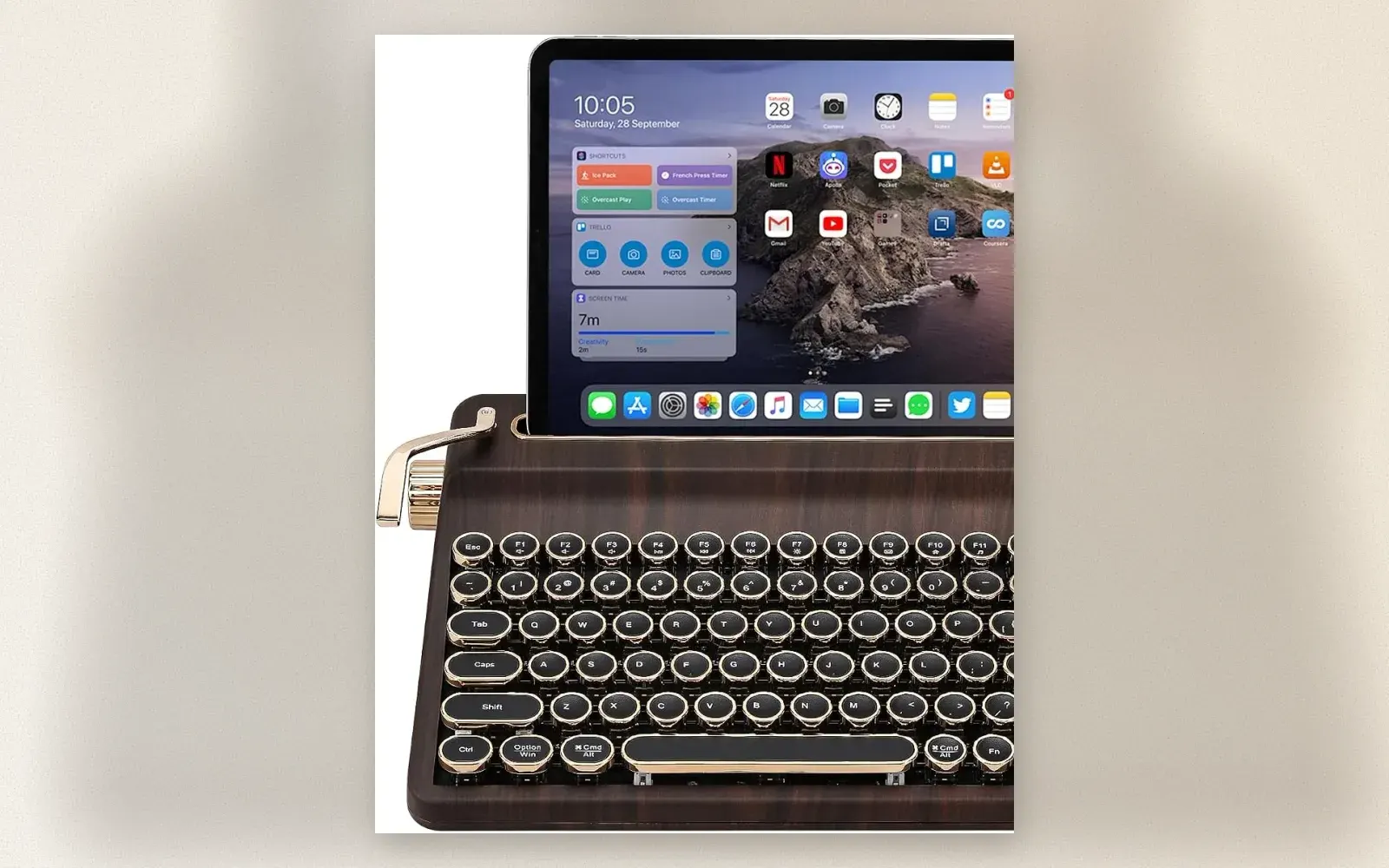
A tablet on a fold-up case is the least romantic writing setup imaginable. The YUNZII QL75 replaces that with something that looks like it was shipped from 1948: a walnut-effect body, a row of round two-tone keycaps, a golden type-bar across the top, and a slot in the back that stands your tablet upright like a sheet of paper in a real typewriter. Under the costume it is a serious keyboard: hot-swappable mechanical switches, Bluetooth 5.0 with 2.4 GHz and wired USB-C, a 4000 mAh battery, and RGB lighting hiding beneath the vintage look.
What Exactly Is the YUNZII QL75?
The QL75 is a 75-percent layout mechanical keyboard, which means it keeps the function row and the arrow cluster while dropping the numpad to stay compact. The chassis is sculpted to mimic a typewriter’s carriage: the back edge rises into a golden type-bar, a chrome lever folds out on the left, and a round knob sits on the right where the platen knob would be. Behind the top row of keys, a slot accepts a tablet or e-reader up to roughly 12.9 inches and holds it at a fixed angle. Phone or tablet in the slot, and the whole thing reads as a working typewriter that prints to your screen.
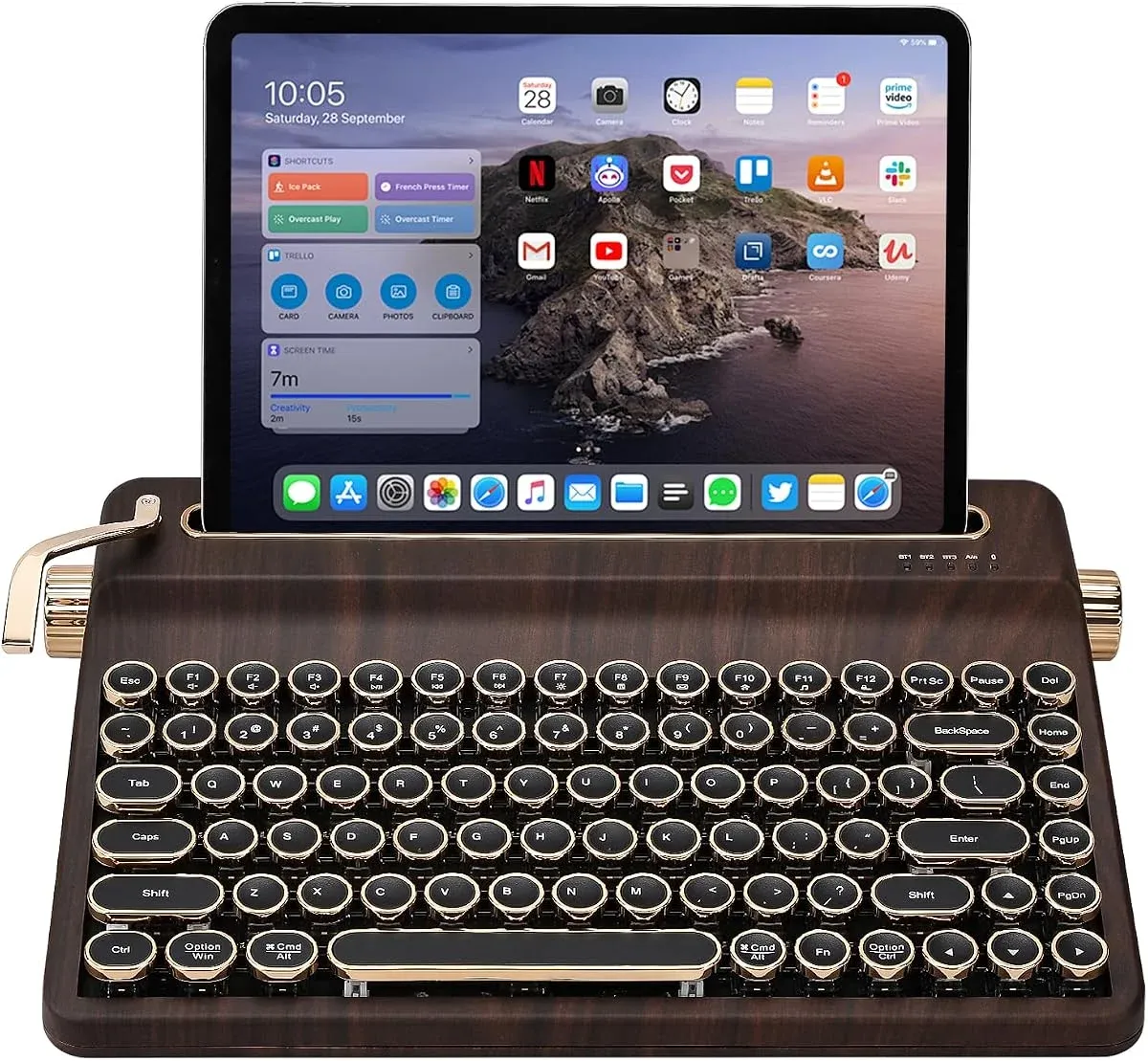
The keys themselves are the visual signature: round two-tone caps with gold rims, like real typewriter keys, over a gasket-mounted hot-swap board. Print and keyboard share one aesthetic instead of fighting for it.
The Typewriter Trick: The Tablet Slot
The slot is the reason this keyboard exists. Slide a tablet in and the screen sits upright at reading angle, close enough to the keyboard that your eyes barely travel. On a plain keyboard-and-case setup the tablet lies almost flat, which is fine for touch but miserable for touch-typing, because the screen sits behind the hinge at a tiny angle. The QL75 fixes the geometry: screen vertical, keyboard flat, hands in typing position, eyes level. Add a small Bluetooth mouse and a 12.9 inch iPad becomes a proper writing desk that looks like a prop from a Hemingway novel.
The slot also doubles for e-readers, and for phones in landscape. It is a fixed angle, not an adjustable cradle, so it holds rather than supports: lean on the screen and the keyboard shifts, this is a writing instrument, not a drafting stand.
Typing Feel: Real Mechanical, Loud by Design
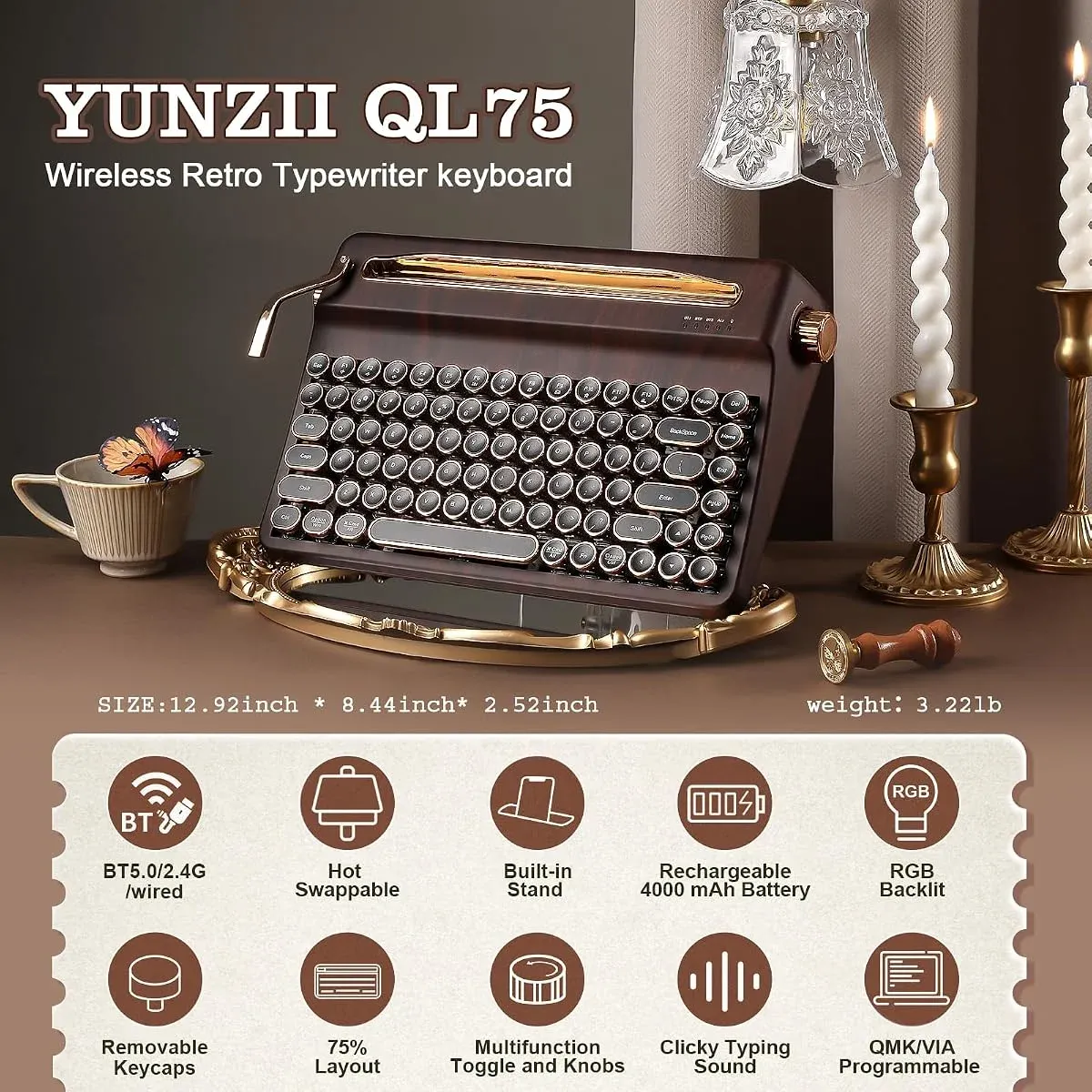
The QL75 ships with clicky tactile switches, pre-lubed, and the round caps give every press a typewriter-ish clack that is far more pleasant than the volume suggests. Keycaps are removable, switches are hot-swap on both 3-pin and 5-pin sockets, and QMK/VIA support means you can remap every key and save macros. Three knobs and a chrome toggle on the right side control volume, backlight, and connection mode, so the retro parts are functional, not decoration.
Honest caveats: the ANSI keycaps are printed in English layout, so German special characters land where the remap puts them, not where the printing suggests. And the clicky sound carries: open-plan offices will notice you. At home, it is delightful.
Tri-Mode Wireless and Battery
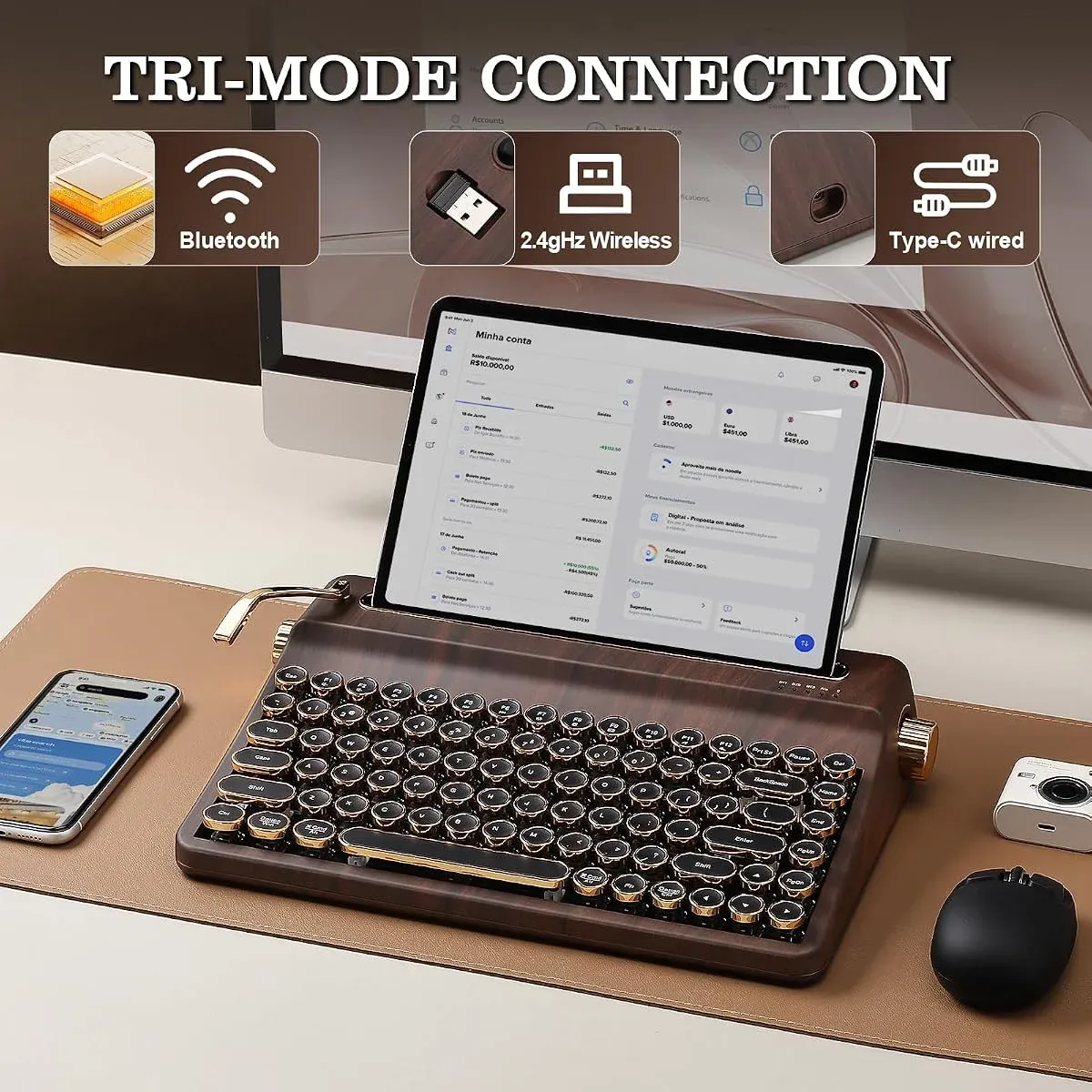
Connection is tri-mode: Bluetooth 5.0 pairs with three devices and switches with a keypress, a 2.4 GHz USB dongle handles low-latency desktop use, and USB-C covers wired mode and charging. The 4000 mAh battery is unusually large for a keyboard of this size and lasts weeks per charge with RGB off. Multi-device support is the practical win: laptop on Bluetooth, tablet in the slot on the same channel, desktop on the dongle, and one keypress moves the keyboard between them.
Who Should Buy It and Who Should Not
Buy it if you write long-form on a tablet and want the setup to feel like an occasion rather than a commute: the QL75 makes writing something you look forward to, which is a genuinely underrated productivity hack. Buy it also as a statement desk piece: nobody walks past a working typewriter keyboard without stopping.
Skip it if you need a quiet board for a shared office, if you insist on printed QWERTZ keycaps, or if you want arrow-cluster gaming speed: the round caps and 75 percent layout are charming but not esports hardware. Also skip it if your tablet is wider than about 12.9 inches.
Verdict
The QL75 is the rare retro gadget where the retro part and the good part are the same part. The typewriter look is the draw, and the tablet slot is the feature that earns its desk space: screen upright, hands typing, sound like a newsroom. Around 100 euros, 4.5 out of 5 from 476 ratings on Amazon.de, and the most fun a writing setup can legally have.
✅ Pros
- Built-in slot holds a tablet or e-reader upright while you type, a real typewriter experience
- Hot-swappable mechanical switches with pre-lubed clicky feel and QMK/VIA remapping
- Tri-mode: Bluetooth 5.0 for three devices, 2.4 GHz dongle, USB-C wired and charging
- 4000 mAh battery lasts weeks with RGB off
- The best-looking keyboard on any desk, with functional knobs and lever instead of fake trim
❌ Cons
- Printed ANSI keycaps do not match German QWERTZ legends after remapping
- Clicky switches are loud for shared offices
- Slot angle is fixed and holds rather than clamps, not a drafting stand
🏷 More retro keyboards YUNZII QL75 on Amazon → · Retro Typewriter Keyboards → · Hot-Swap Mechanical Keyboards →
🇩🇪 This article is also available in Deutsch:
Read in Deutsch →
FAQ
What is the YUNZII QL75?
A 75% wireless mechanical keyboard built to look like a typewriter. It has a walnut-effect body, round two-tone keycaps, a slot behind the keys that holds a tablet or e-reader upright, hot-swappable switches, a 4000 mAh battery, and three connection modes: Bluetooth 5.0, 2.4 GHz wireless, and USB-C wired.
What tablets fit in the QL75 slot?
Tablets up to around 12.9 inches, including iPad Air and iPad Pro models, most Galaxy Tabs, and standard e-readers. The device rests upright in the slot at a fixed reading angle while you type on the keyboard in front of it.
Can you change the switches?
Yes. The QL75 is hot-swappable, so switches pull out without soldering. It ships with clicky tactile switches, and any 3-pin or 5-pin MX-style switch fits.
Does it work with German keyboards layouts?
The keyboard can be remapped to other layouts in QMK/VIA software, but the printed keycaps are ANSI-style, so German special characters sit on different keys than printed. Fine for writing in English or layout-remapped use, imperfect for QWERTZ purists.
How long does the battery last?
The 4000 mAh battery runs for weeks in normal use with RGB lighting off. Charging is over the same USB-C port used for wired mode.
Is the QL75 worth the price?
Around 100 euros buys a real mechanical keyboard with a genuine party trick. If you want a joyful typewriter desk setup with a tablet stand built in, yes. If you just need a quiet plain keyboard, cheaper options exist.

Continue reading

iMac G4 Desk Setup: Why the Sunflower Mac Still Owns a Kitchen Counter in 2026
iMac G4 desk setup review: the 2002 sunflower Mac with its dome base, floating LCD, and yo-yo speakers still works as a counter Mac, and here is what running one costs now.
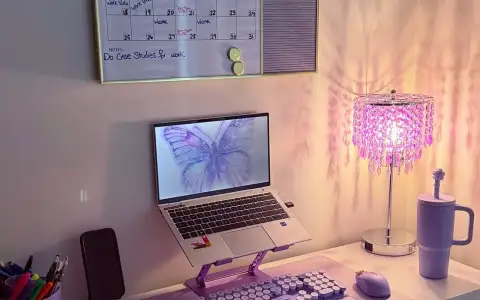
Retro Typewriter Keyboard in Purple: 104 Round Keys That Make Shorthand Work Fun Again
Purple retro typewriter keyboard review: 104 round keycaps, matching mouse, 2.4 GHz plug and play. How the SOLIDEE set holds up for real writing work.
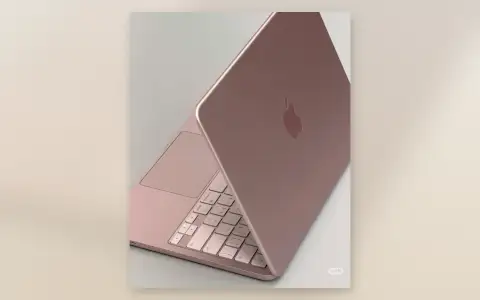
Pink Desk Setup: I Built One Around the Blush MacBook Neo
The Blush MacBook Neo deserves better than a gray desk. Here is the pink desk setup we built around it, what worked, and what looked cheap.