Hagibis Folder-Style SSD Enclosure: A Drive Shaped Like a Desktop Icon
The Hagibis folder-style SSD enclosure turns an NVMe drive into the yellow folder icon from your desktop, with USB 3.2 Gen 2 speeds for 2230 to 2280 drives.
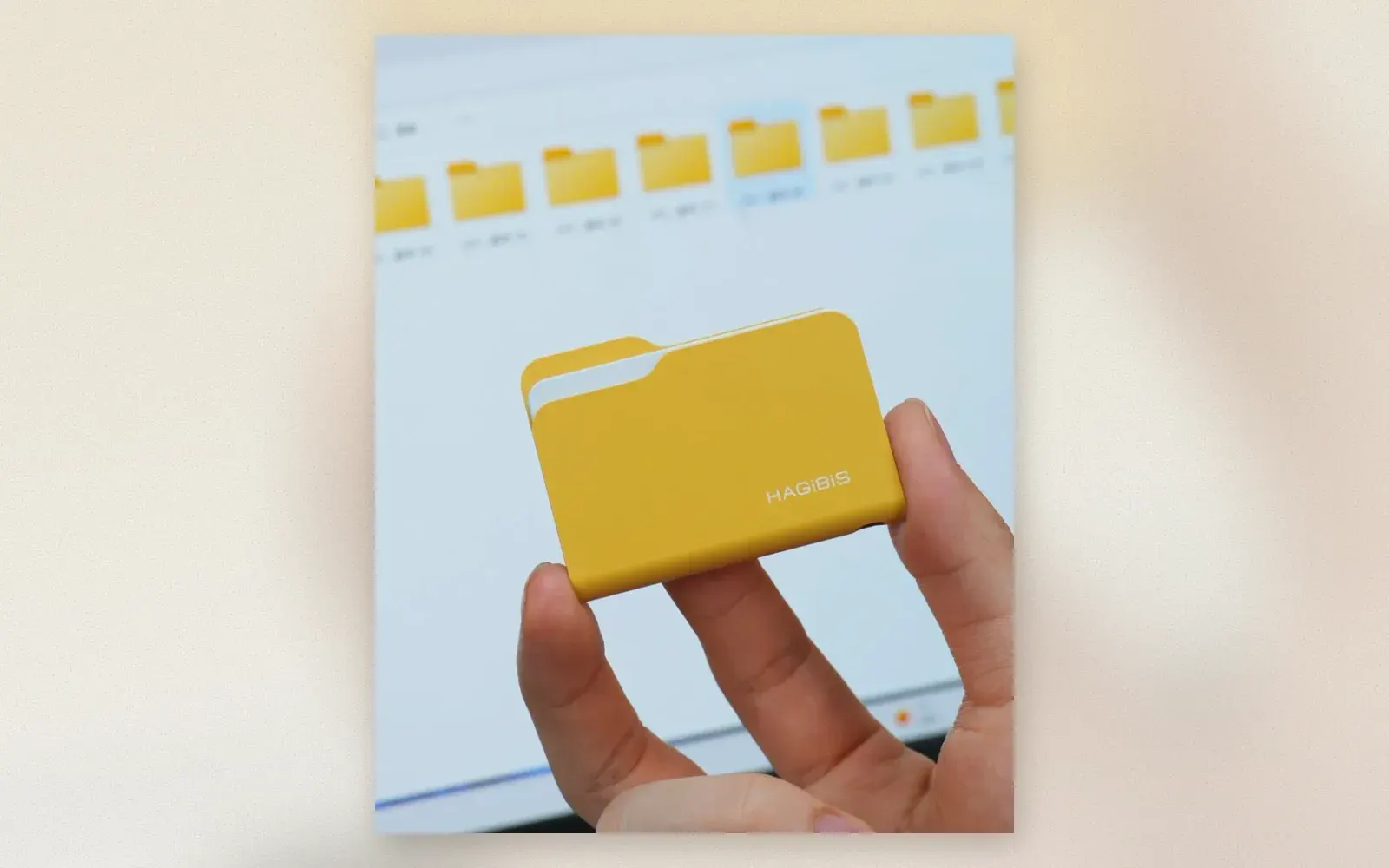
Every few years a gadget shows up that is a joke and a real product at the same time, and the Hagibis folder-style SSD enclosure is exactly that: the yellow manila folder from every desktop operating system, rebuilt as an aluminum NVMe case, complete with the white paper corner peeking out of the top. Under the joke sits honest hardware, a USB 3.2 Gen 2 bridge at 10 Gbps for M.2 NVMe sticks from 2230 to 2280. Here is what the folder look gets you, and when you should buy something faster instead.
What exactly is the folder-style SSD enclosure?
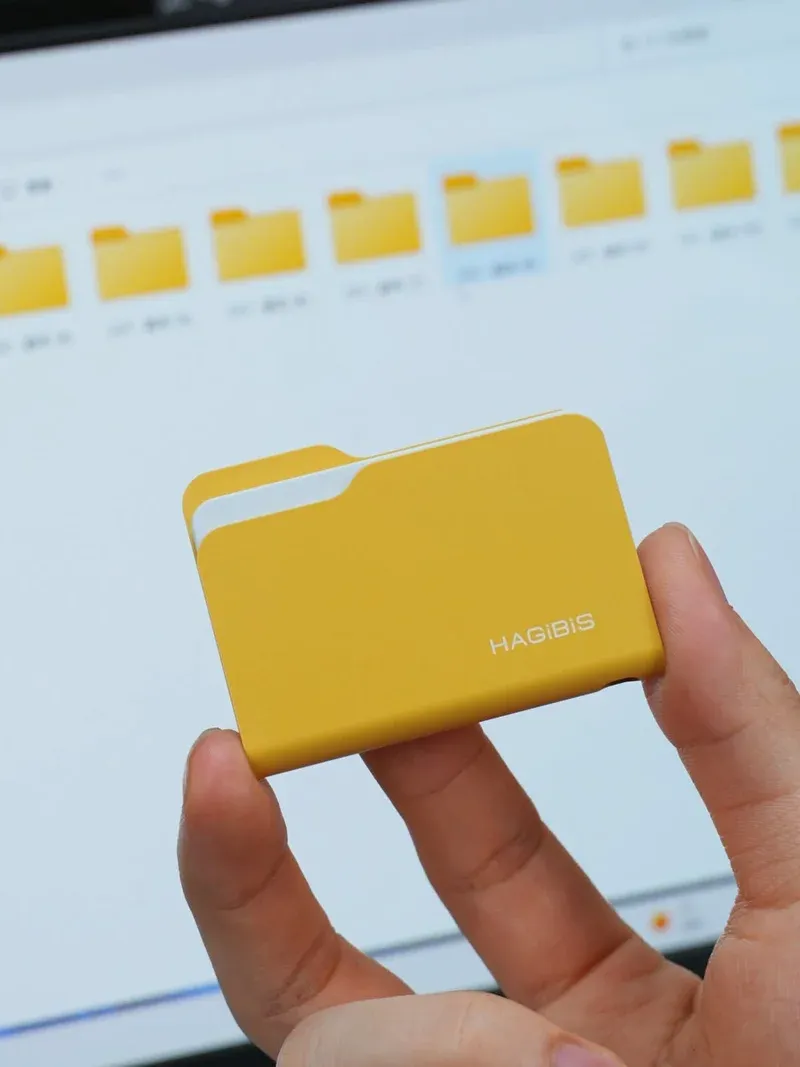
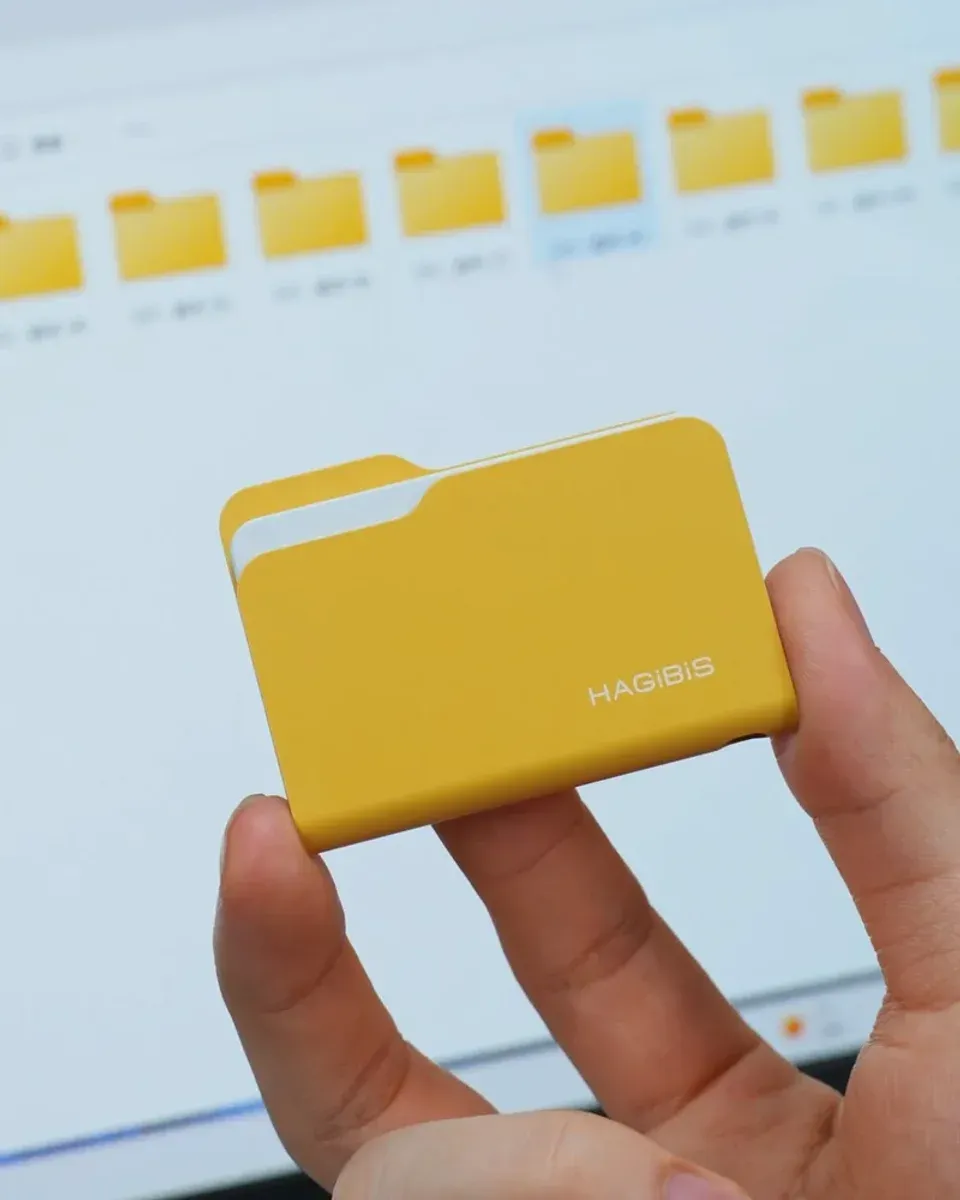
A working NVMe case dressed as an icon. The shell is the classic yellow folder with tab and fold lines, the white strip on the right edge reads as the top sheet of paper, and HAGiBiS prints its name on the spine. Pop the folder open, slide in your own M.2 NVMe stick of the 2230 to 2280 length, close it up, and the USB-C port on the edge handles both power and data.
The design is the point. Anyone who has ever stared at a messy desktop will recognize the joke instantly, which makes it a desk conversation piece and an obvious label for an archive drive: the physical folder that holds your files. Hagibis sells the same enclosure idea in other shapes too, including a floppy disk version for a second round of nostalgia.
How fast is 10 Gbps in practice?
Fast enough for most real work. USB 3.2 Gen 2 moves 10 Gbps on paper, and with a current NVMe stick that translates to roughly a gigabyte per second in continuous reads and writes, the same speed class as any decent 10 Gbps enclosure. Offloading a 128 GB card of footage takes a bit over two minutes.
The honest ceiling is the interface itself. A USB4 or Thunderbolt enclosure reaches several times that number with the same drive, so if you edit directly off external NVMe in 4K or 8K timelines, the folder is the wrong tool. As a shuttle and backup drive, the gap rarely matters, and files that copy in two minutes instead of twenty were the pain point this speed class solved.
Who is this gimmick actually for?
Three groups buy it deliberately. Desk workers who want their archive drive to look like its own icon, creators who label physical drives by shape so the ProRes folder never gets confused with the tax folder, and gift buyers, because a working SSD that looks like a desktop folder is an easy pick for anyone in tech.
If you want the same brand without the costume, Hagibis sells a conventional version with a silent cooling fan and a keychain strap, which exists because long transfers heat small enclosures up. The fan variant costs less than the folder joke and travels better on a keyring.
What should you buy instead if you want more speed or value?
Two directions make sense. For plain value in the same speed class, the ICY BOX IB-1807MT-C31 is a tool-free aluminum 10 Gbps enclosure from an established German brand, usually cheaper than the folder, and its metal shell doubles as the heatsink. For real speed, skip 10 Gbps entirely and pick a USB4 enclosure, which unlocks the full read speed of a modern NVMe stick at roughly triple the transfer rate.
Verdict
The Hagibis folder-style SSD enclosure is a competent 10 Gbps NVMe case wearing the best joke in desktop storage: it fits standard 2230 to 2280 sticks, it records ProRes from a USB-C iPhone, and it makes every other drive on the desk look boring. Buy it for the grin and the speed class, and move to USB4 only when your editing workflow truly needs it.
✅ Pros
- Instantly recognizable folder icon design that still works as a label
- USB 3.2 Gen 2 at 10 Gbps handles offloads and backups without lag
- Fits the full 2230 to 2280 NVMe length range
- ProRes recording target for USB-C iPhones
❌ Cons
- No SSD included, the price buys the shell only
- 10 Gbps caps throughput far below USB4 enclosures
- Gag designs carry a price premium over plain aluminum
FAQ
What drives fit the Hagibis folder-style enclosure?
M.2 NVMe PCIe SSDs from the 2230 to the 2280 length. There is no drive included, you supply your own stick, close the folder, and the enclosure connects over USB-C with USB 3.2 Gen 2 speeds of 10 Gbps.
How fast is the folder-style enclosure in practice?
USB 3.2 Gen 2 tops out at 10 Gbps, which lands around one gigabyte per second with a modern NVMe stick. That is far below what USB4 enclosures reach, but comfortably fast for offloading footage, photo libraries, and general backups.
Does it work with an iPhone?
Yes. With a USB-C iPhone 15 Pro or newer, external drives in this speed class can record and hold ProRes video directly, and Hagibis markets the folder design with exactly that ProRes use case in mind.

Continue reading
Samsung The Sero Review: The Rotating TV Built for Phone Content
The Samsung The Sero swings from TV mode into portrait mode for phone videos. What five test labs praised, where they docked points, and who should buy it.
Red Apple Cable Buddy: The Cable Protector Charm That Saves Your iPhone Charger
Red apple cable buddy review: a flat acrylic charm clips onto Lightning and USB-C cables at the connector, blocks the sharp bends that fray charging cables, and looks cute doing it.
Samsung Galaxy Z Flip 7 Review: The Flip Phone That Finally Feels Finished
Galaxy Z Flip 7 review: 6.9-inch foldable with a 4-inch cover screen, 50MP camera, 4300mAh battery, and Galaxy AI tools. The flip phone that fits a jacket pocket without compromise.