Stickered iPad: How to Turn a Plain Smart Folio Into a Style Statement
A black iPad 10th gen in a dark Smart Folio covered in vinyl stickers: Snoopy, Copenhagen signage, a 'God Is Good' star. How the sticker-on-folio trick works, what it protects, and what it costs.
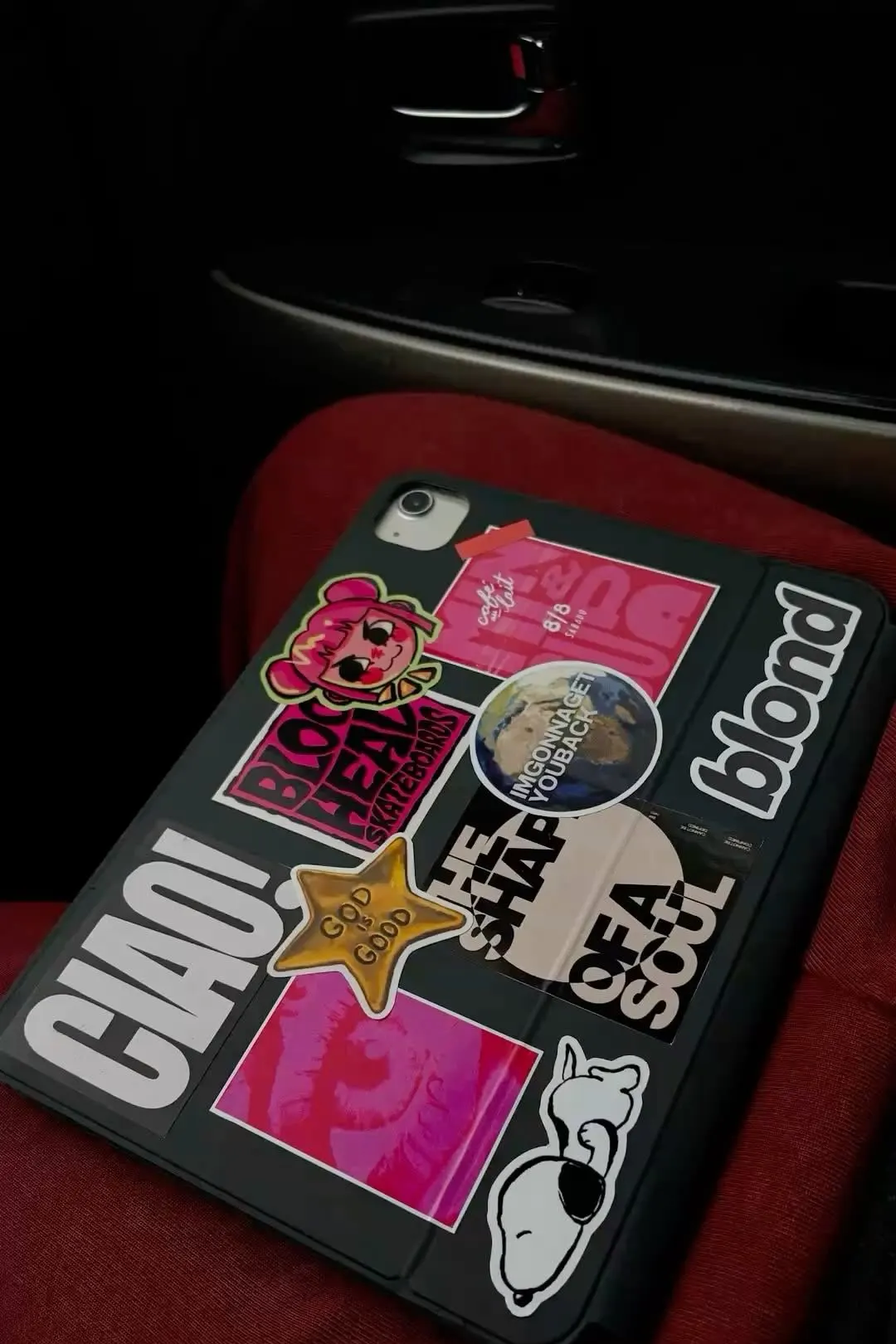
Apple sells the 11-inch Smart Folio in a handful of finishes: black, denim, and a light shade that disappears into spring. On a spec sheet it reads as the boring choice; in daily use it is the one case style that has survived a decade of iPad generations unchanged. It is also the ideal surface for the trick this article covers: sticker your folio and it stops looking like an accessory Apple made for a thousand other people. The black Smart Folio covered in vinyl stickers is a ten-second personalization project, and the result looks closer to a custom-built vintage case than an off-the-shelf accessory.
Why the Smart Folio is the right sticker surface
Apple’s Smart Folio exterior is a smooth polyurethane sheet bonded to a microfiber lining. It is engineered to handle daily friction, pocket lint, and backpack corners. Vinyl stickers cling to it well: not with the death grip of a raw metal surface, but firmly enough that they stay put for months of daily carrying. When you want a change, they peel off with a fingernail and leave the surface unmarked.
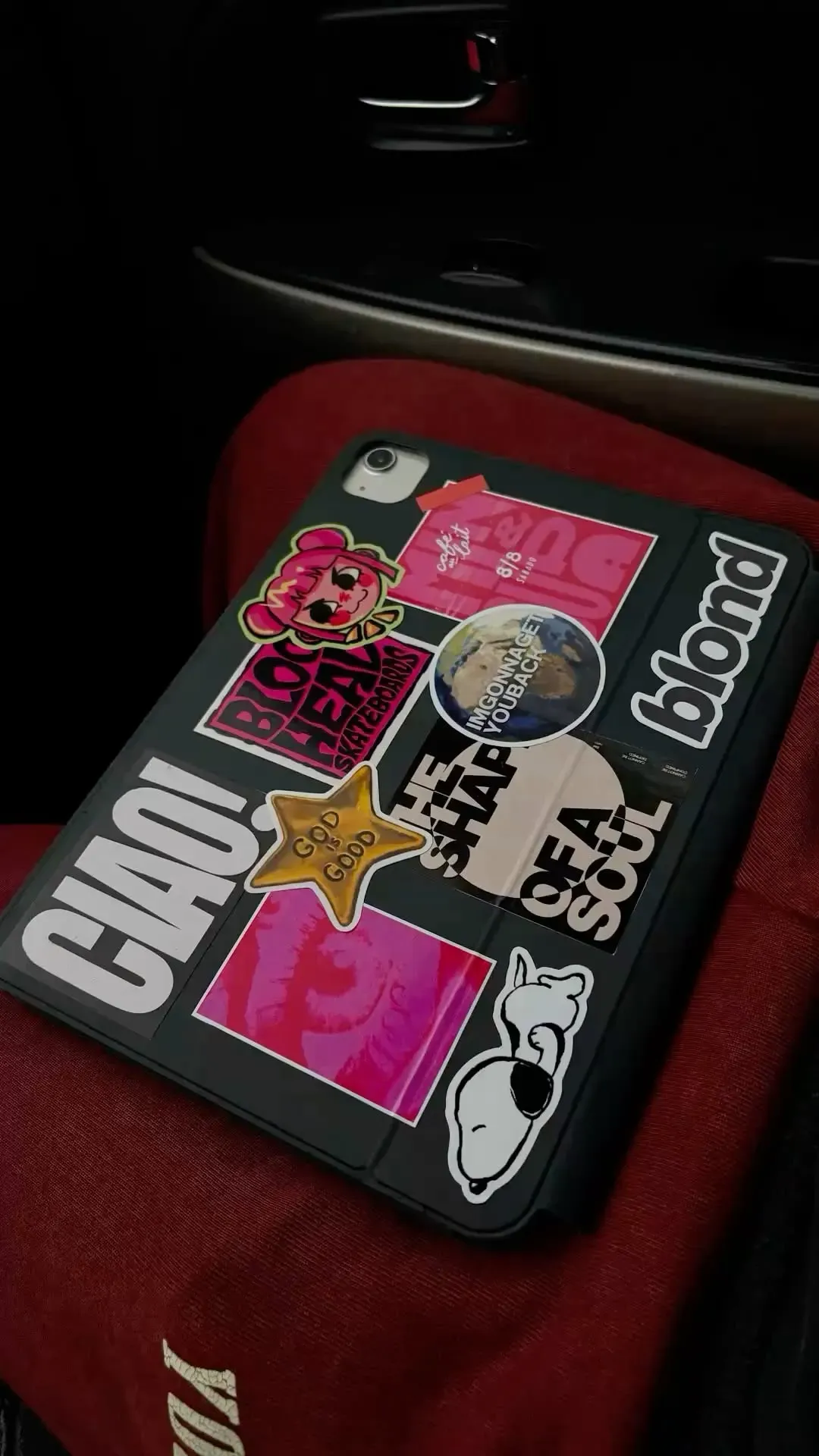
There is a second reason the folio is the right base. The stickers live on the cover half of the case. The iPad camera, buttons, and ports stay untouched on the body itself, so nothing is in the way. You are not blocking a lens, not covering a speaker, not putting an adhesive skin over an aluminum back Apple will have to accept back at resale one day.
How the setup actually works
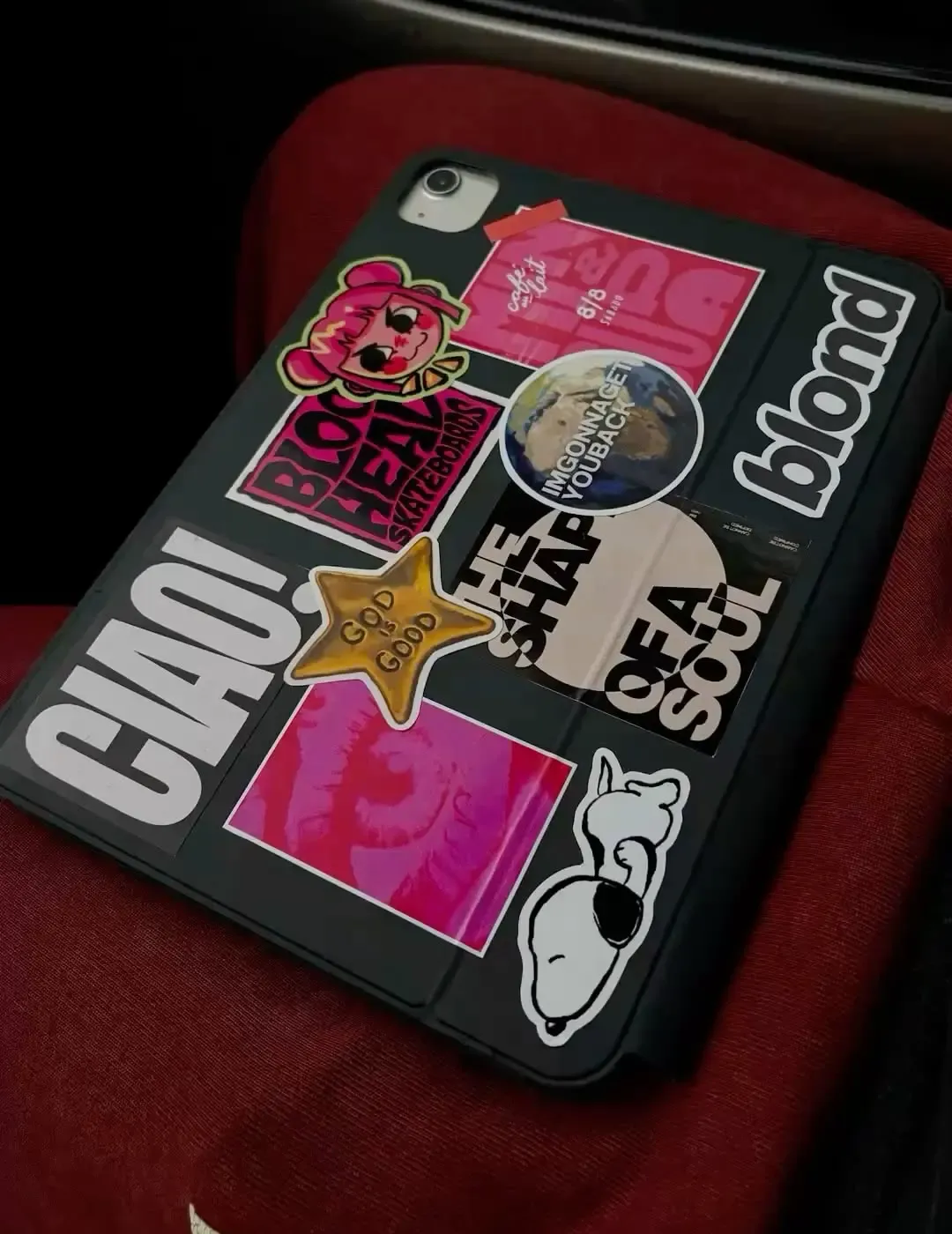
The trick in this photo is a black Smart Folio, a stack of thin die-cut vinyl stickers, and about five minutes of planning. The arrangement in the shot reads like a mood board: a Copenhagen-style sticker bundle, a ‘God Is Good’ gold star, a Ciao sign, a Snoopy sticker pulled at an angle, and the word blond covering the right spine. Nothing overlaps the folio fold lines, which matters: stickers that bridge a fold crease get stressed every time the cover opens and lift at the edges faster.
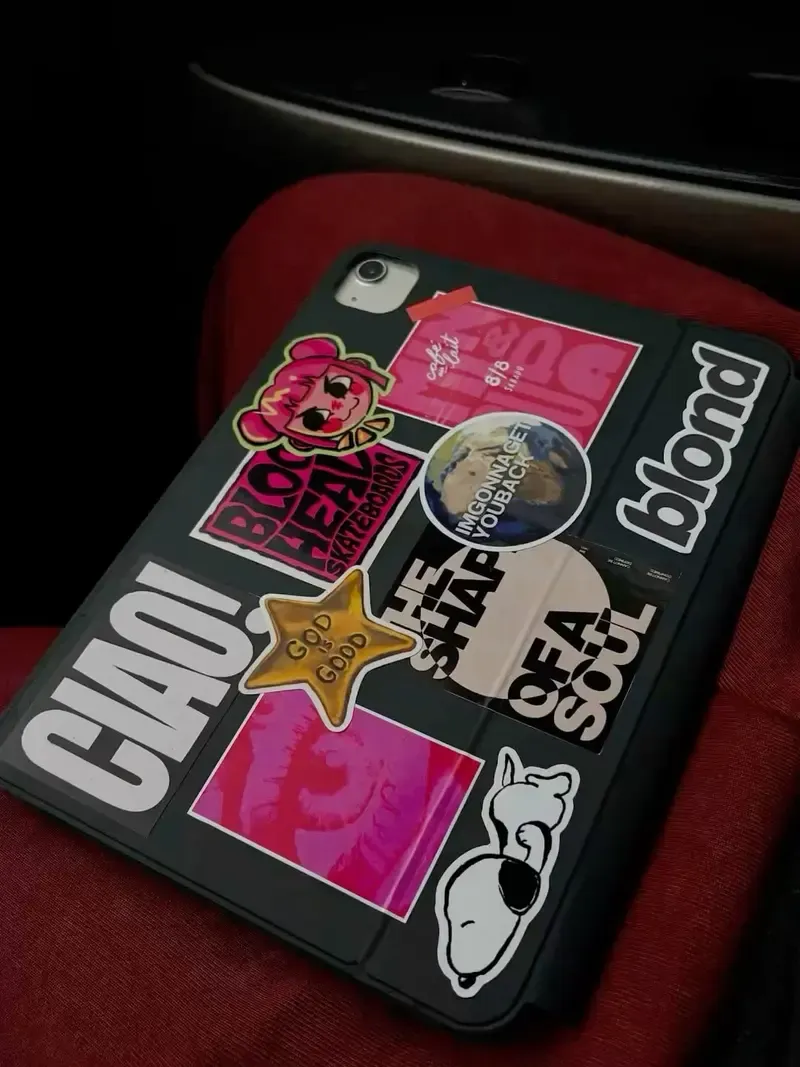
The whole reason this trick works is that the Smart Folio cover wraps around the iPad and is held on magnetically. Peel one sticker, place another, and the geometry never changes. It is not a permanent skin with cutouts and a heat-sealed bond; it is a magnetic attach surface that stays flat, and flat is what stickers want.
What this setup protects, and what it does not
A Smart Folio, with or without stickers, protects the back panel and the screen when closed. The front cover wakes the iPad on open and sleeps it on close, and the microfiber interior wipes the display each time you flip it. It is a real, functional cover. Stickers do not interfere with any of that. What they add is personalization: your backpack stops containing an eight hundred dollar slab that looks like an eight hundred dollar slab and starts containing a case that looks like it came from your desk, because only one person on earth did that exact combination.
What it does not add is drop protection. A folio has no corner bumpers and no edge ridge; it is a hard back panel in front, a paper-thin profile in hand. If your iPad takes real impacts, you want a folio plus a case in a bag sleeve, or a tougher folio-style case with a polycarbonate shell. If your iPad lives in a backpack next to books, and on a desk when you work, the folio does the job it was designed for.
Where to get the stickers
Any die-cut vinyl sticker pack works. Search Amazon.de for “vinyl sticker pack” and you get thousands of options for a few euros: vintage signs, cartoon characters, calligraphy slogans, retro brand logos. Avoid anything thicker than about two millimeters or stickers with raised resin domes: they layer unevenly across the fold and look off. Also skip any sticker with a glued paper face, as these tear when you peel them and leave a ghost.
At folk-art and sticker shops on Etsy, individual designs run 2 to 4 euros each. If you want a specific sticker, like today’s gold star, that is where you look. For volume, Amazon wins.
🏷 Vinyl sticker packs for laptops and tablets Browse on Amazon →
Verdict
✅ Pros:
- The dark folio + stickers look takes the folio from generic to personal in five minutes
- The black Smart Folio is the cheapest folio color and always in stock
- Folio still performs all its functions: sleep on open-close, built-in stand, screen wipe
- All stickers peel cleanly when you want a change
- Zero bulk added; folio keeps its paper-thin fold profile
❌ Cons:
- No drop protection in any direction
- Stickers can lift at the edges after months of backpack friction
- Thicker stickers bridge the folio fold lines and wear faster
- A single sticker pack with great variety takes some searching to find
- In bright exterior colors, the folio can look dusty or tired by the second month
🏷 Compare prices for Apple Smart Folio 11 inch Browse options on Amazon →
🇩🇪 This article is also available in Deutsch:
Read in Deutsch →
FAQ
Does a Smart Folio protect the iPad screen?
Yes, the front cover shields the display when closed and the microfiber lining wipes it clean. One thing it does not do: protect the screen from scratches while the cover is open and the iPad is in use.
Will vinyl stickers damage or mark my Smart Folio?
No. The Smart Folio exterior is a smooth polyurethane material engineered to stand up to daily handling. Vinyl stickers peel off cleanly with fingernails or light warmth, leaving no residue.
Do stickers interfere with the iPad camera?
On a Smart Folio, no. The camera is on the iPad body itself and the folio covers only the back half of that body. Stickers live on the folio surface, away from the lens. Keep clear of magnetic edges and the fold lines.
Why do people cover their iPad folio with stickers?
Customization. Many folio colors sell out and sell fast, bright ones especially. Stickers on a dark base give full control over the look and the vibe you actually want to carry around.
Which stickers stick best to a Smart Folio?
Flat die-cut vinyl stickers with a matte or weatherproof finish are the most durable choice. Thicker premium stickers hold shape well but can feel stiff at the folio fold. Thin die-cut ones flex cleanly with the cover.

Continue reading
Burgundy iPad Skin Wrap: A Dark Red iPad Pro Without the Case Bulk
Burgundy iPad skin wrap review: MightySkins 3M vinyl in solid burgundy turns a space-gray iPad Pro into a deep dark-red slab. Protection, grip, and a look Apple never shipped, with zero added thickness.

iPad Pro M4: The Tablet That Replaces Your Laptop
Review of the iPad Pro M4: M4 chip, OLED display, Apple Pencil Pro and Magic Keyboard compatibility. Is it worth buying?

Samsung Galaxy Tab S10 Ultra: A Massive Android Tablet for Everything
Review of the Galaxy Tab S10 Ultra: 14.6-inch AMOLED, S Pen, Galaxy AI features, and DeX mode for productivity.