iPhone ProRes Recording Rig: External SSDs, Monitor, and Power for Cinematic Video
iPhone ProRes recording rig guide: gimbal-mounted cage with dual external SSDs, on-top monitor, and power bank for unlimited Apple Log 4K recording. The setup that turns a phone into a B-camera.
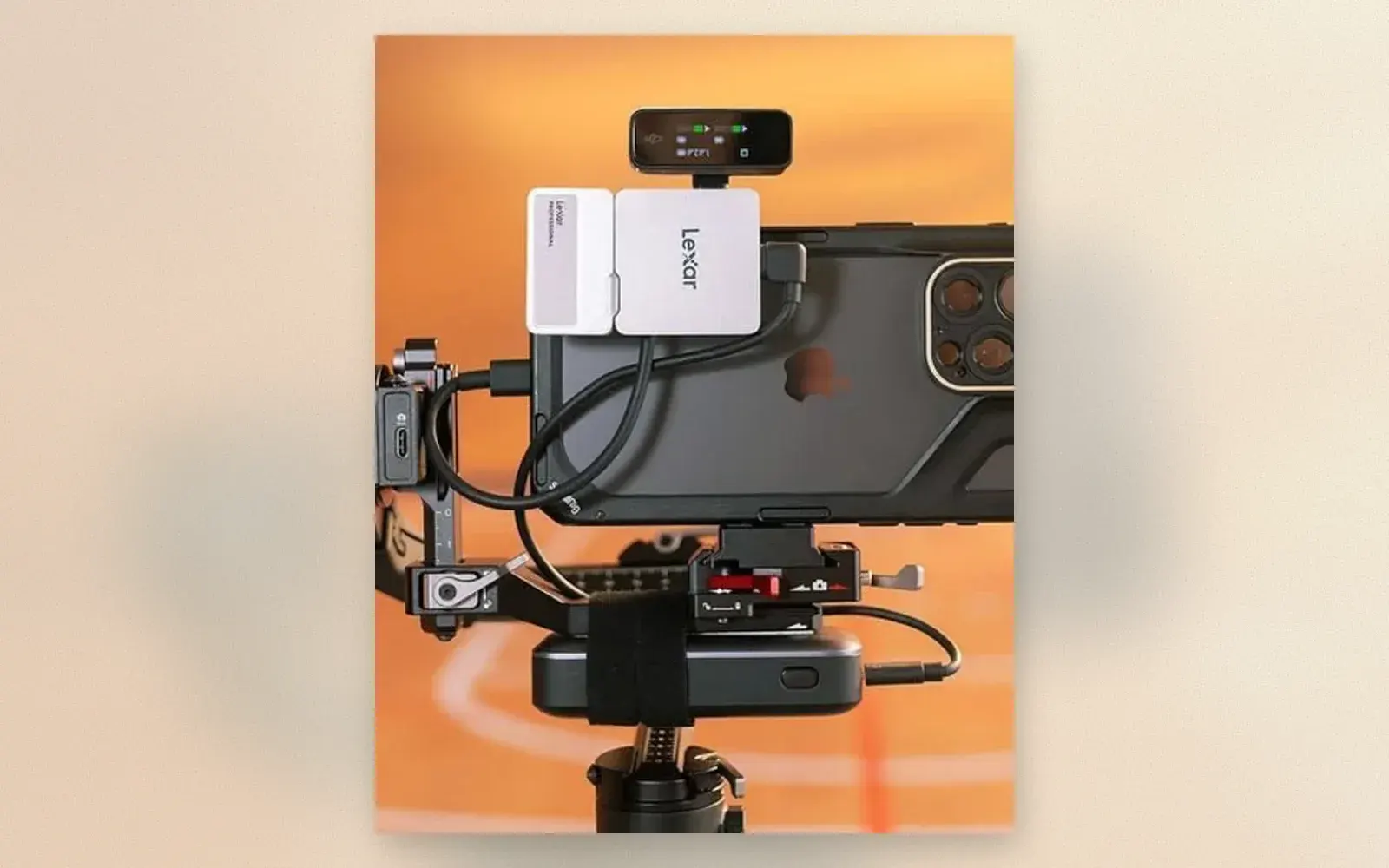
The iPhone 15 Pro changed the math on phone video: Apple Log 4K ProRes footage grades like cinema camera footage. The catch is storage, because ProRes eats roughly 6 GB per minute and internal storage vanishes in half an hour. The rig in the photo solves it: the phone rides on a gimbal-mount cage with two external SSDs recording in parallel, a monitor on top, and a power bank strapped below. The result records for hours, backs up as it shoots, and looks like a cinema camera on the timeline.
🏷 ProRes rig essentials Lexar SSDs → · USB-C Hubs →
The Storage: Two SSDs, Zero Anxiety
Two Lexar professional SSDs mount on the phone’s back via a bracket plate. Each drive records the same feed through a USB-C splitter: drive one is the working copy, drive two is the backup that exists before the shoot ends. For documentary and event work where a retake is impossible, parallel recording is the entire argument for the rig.
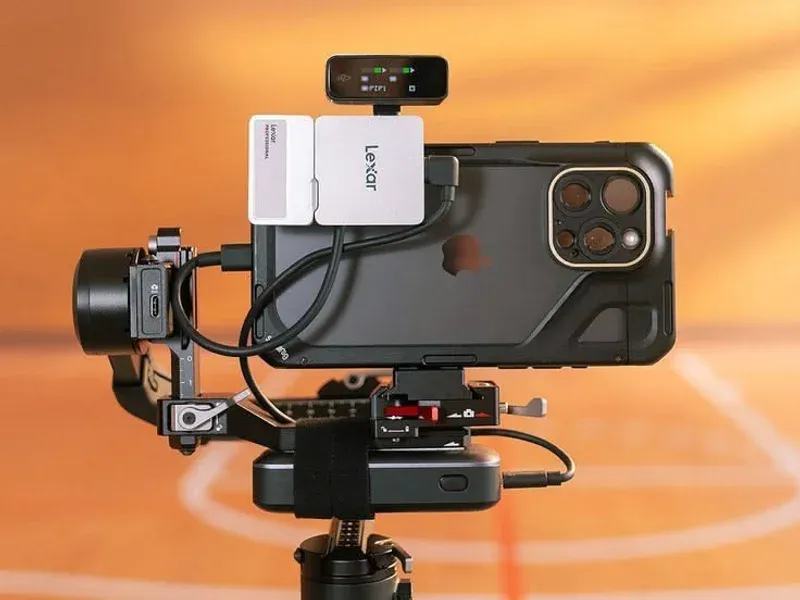
Drive speed matters more than capacity. ProRes 422 at 4K sustains around 100 MB/s, and any modern portable SSD clears that with headroom. The real spec to check is sustained write, not peak: cheap drives throttle after their cache fills, and ProRes does not pause for throttling.
The Monitor: Framing You Can Trust
The small monitor on top receives the live feed and shows it larger than the phone screen, with exposure tools the camera app lacks: waveform, false color, and focus peaking. Outdoor shoots benefit most, where phone screens wash out and critical focus is a guess.
🏷 On-camera monitors Field Monitors →
The monitor also solves the two-person problem. An operator walks with the rig while a director or client watches the same feed from the monitor’s position. Interviews with a moving subject become possible without yelling “is that in focus?”
The Mount: Gimbal Plate, Cage Logic
The phone sits in a clamp plate that attaches to a gimbal or tripod head through a standard Arca-style mount. The SSD bracket bolts to the plate, not the phone, so drives hang on the rig instead of stressing the USB-C port. Strain relief is the difference between a rig that survives a season and a port repair bill.
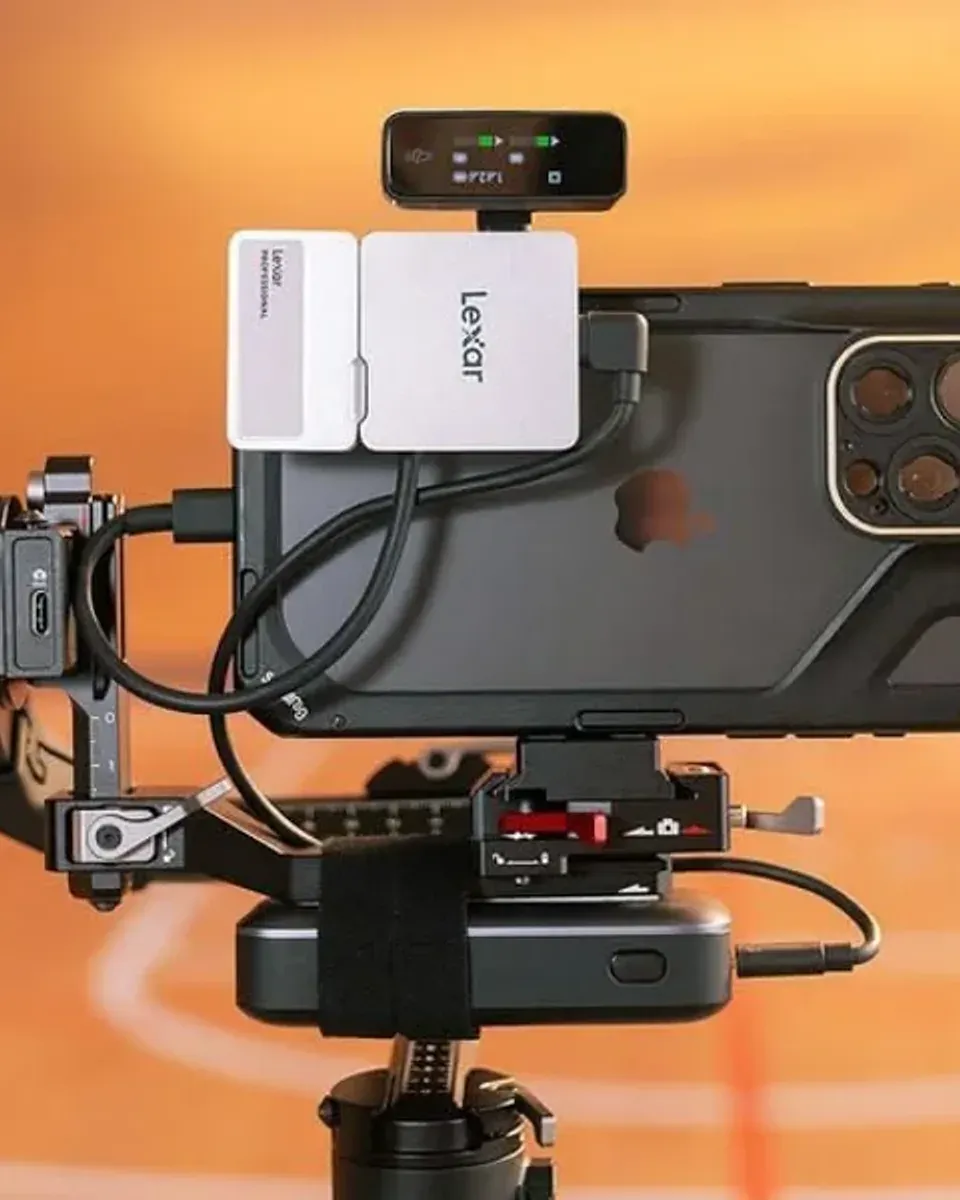
The power bank straps below the plate and feeds the phone over USB-C. Because the bank hangs on the rig rather than dangling from the cable, the USB-C connection takes no bending stress during moves.
The Workflow: Log Straight to Timeline
Apple Log records flat, wide-dynamic-range footage that grades like cinema camera material. The external drives mount on any computer, the clips copy at SSD speed, and a LUT restores color in one click. From rig to graded timeline is a ten-minute path with no card readers or transcoding.
The tradeoff is weight and assembly. The full rig takes five minutes to build, weighs north of a kilogram, and announces itself in every frame behind the scenes. It is a B-camera rig, not a pocket phone.
Who should build this rig?
Wedding and event shooters who need a B-camera with cinema colors and zero internal-storage anxiety. The parallel SSDs double as instant backup, which alone justifies the build.
Interview and documentary creators who record long-form sessions. A 2 TB drive holds five hours of ProRes, and the monitor makes guest framing a shared job.
Grading-curious creators who want to learn professional color. Apple Log footage from this rig behaves exactly like cinema camera footage in DaVinci Resolve, at a fraction of the entry cost.
Verdict
✅ Pros:
- Unlimited Apple Log 4K ProRes recording via external SSDs
- Parallel dual-drive recording doubles as instant backup
- Monitor adds waveform, false color, and second-person viewing
- Power bank strap extends sessions to full-day length
- SSD bracket keeps drive weight off the USB-C port
- Footage grades like cinema camera material in Resolve
❌ Cons:
- Requires iPhone 15 Pro or newer Pro models
- Assembly takes five minutes and looks industrial
- Two SSDs plus hub plus monitor approach camera-kit cost
- Cable spaghetti needs zip-tie discipline
- Rig weight tires one-hand operation within minutes
- Apple Log grades demand color skills or LUTs
🏷 More rig parts Rig Mounts →
🇩🇪 This article is also available in Deutsch:
Read in Deutsch →
FAQ
Why does ProRes recording need an external SSD?
Apple Log 4K ProRes consumes roughly 6 GB per minute. A 256 GB phone fills in under 40 minutes. External SSDs record directly through USB-C and hold hours of footage, and two drives record in parallel as instant backup.
Which SSDs work for iPhone ProRes recording?
Any USB-C NVMe or portable SSD with sustained write speeds above 200 MB/s. Lexar, Samsung T-series, and SanDisk Extreme portables all sustain ProRes bitrates. Two drives need a USB-C hub or splitter.
Does external recording work on every iPhone?
No. Direct ProRes recording to external drives requires iPhone 15 Pro or newer Pro models. Older iPhones record ProRes to internal storage only, at reduced bitrates.
What does the top monitor add?
An HDMI or wireless monitor shows the live feed larger than the phone screen, with waveform and false-color exposure tools. It also lets a second person monitor framing while the operator walks.
How long can the rig record continuously?
With a strapped 20,000 mAh power bank feeding the phone and a 2 TB SSD, the rig records for five to eight hours. The limiting factor becomes the operator's arm, not the hardware.

Continue reading
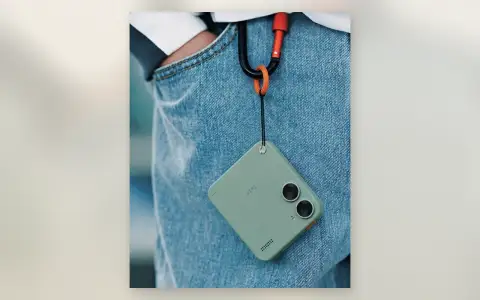
Mini EDC Cameras: Why Tiny Cameras on Carabiners Came Back
Mini EDC camera guide: pocket cameras small enough for a keychain, what the dual-lens Twin-style designs offer, which specs matter at this size, and the real mini cameras worth buying on Amazon.
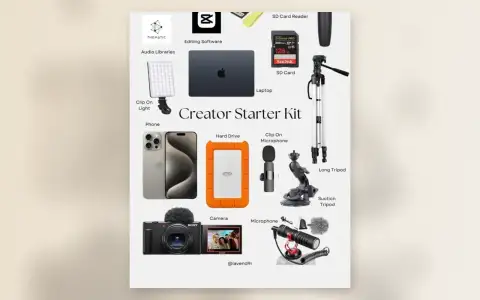
Creator Starter Kit: 14 Pieces That Take You From Phone to Published
Creator starter kit guide: phone or compact camera, laptop, tripods, mics, lights, storage, and the software stack. The complete gear list for starting a content channel without overspending.
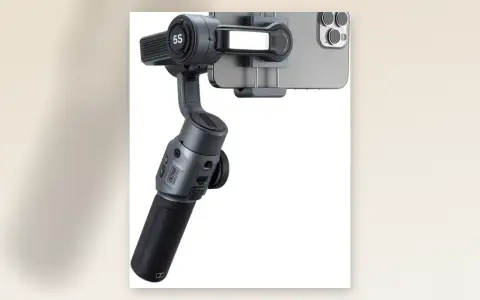
Zhiyun Smooth 5S Review: The Smartphone Gimbal With Built-In Fill Light
Zhiyun Smooth 5S review: 3-axis smartphone gimbal with built-in fill light, magnetic quick-release clamp, ActiveTrack 5.0, 10-hour battery, and phone charging. Smooth video without learning gimbal choreography.