Creator Starter Kit: 14 Pieces That Take You From Phone to Published
Creator starter kit guide: phone or compact camera, laptop, tripods, mics, lights, storage, and the software stack. The complete gear list for starting a content channel without overspending.
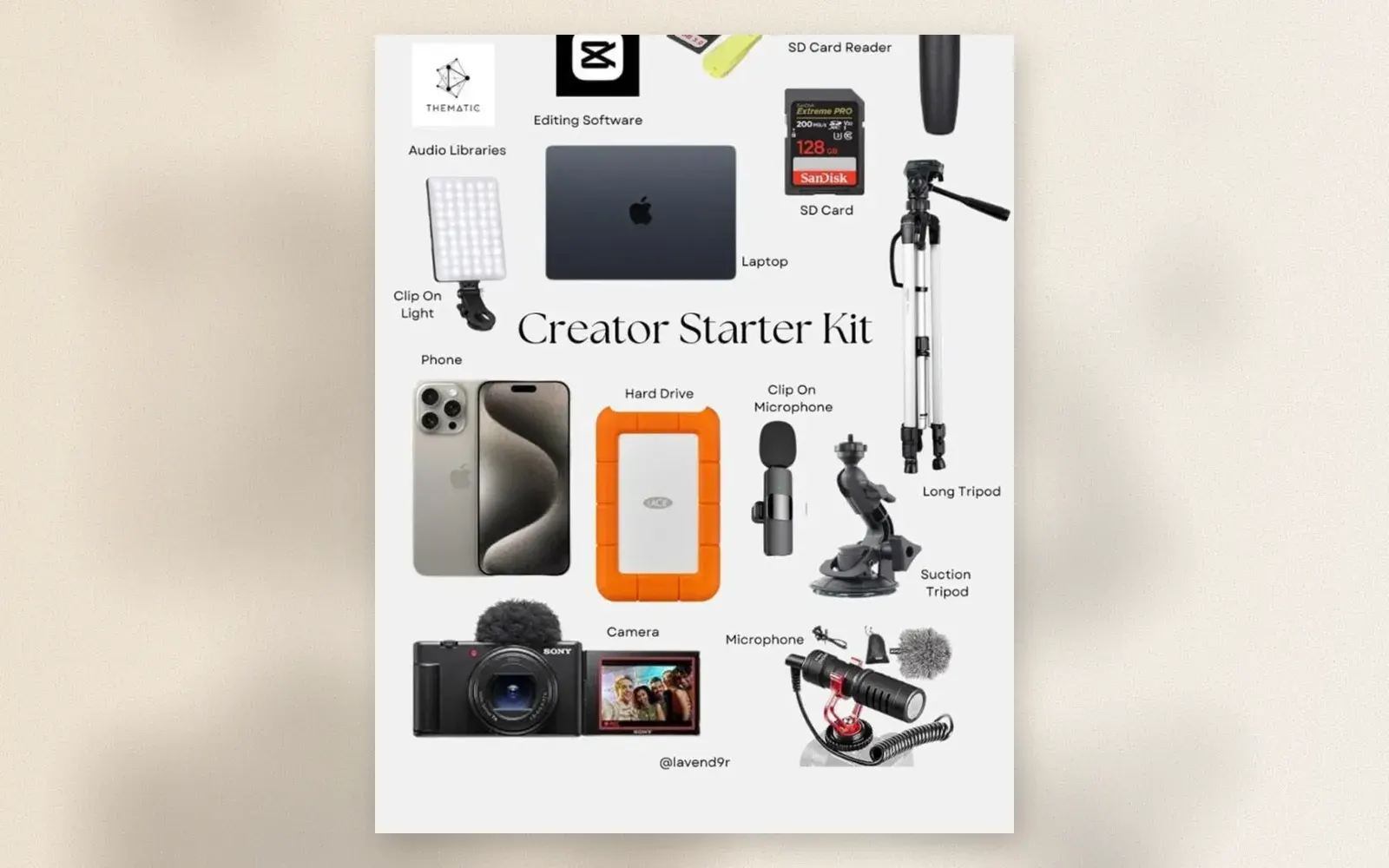
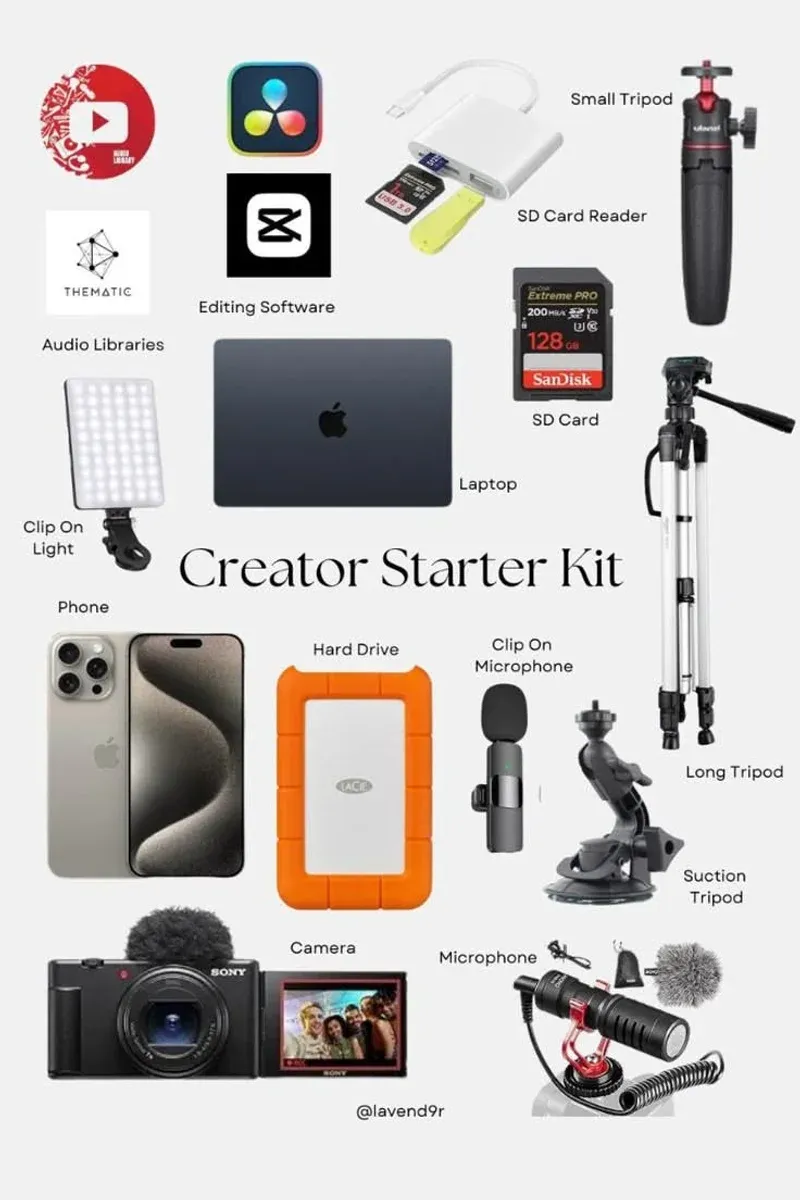
Every creator kit converges on the same fourteen pieces. The flat lay shows the standard loadout: a phone and a compact camera for capture, a laptop for editing, three tripods for framing, two microphones for sound, a clip-on light, storage on cards and drives, card readers to move footage, and the software stack that ties it together. Missing any one of them creates a bottleneck; owning all of them removes excuses.
🏷 Creator essentials Sony ZV Camera → · LaCie Rugged Drive →
Capture: Phone Plus Compact Camera
The phone shoots what is always with you: b-roll, verticals, spontaneous moments. The compact vlogging camera, the Sony ZV-1 class in the photo with its flip screen and windscreen, adds what phones lack: real zoom, hot shoe audio, product-priority autofocus for object demos, and a battery that outlasts a shoot day.
Start with the phone alone and let the camera earn its purchase. When low-light footage, zoom reach, or runtime becomes the recurring complaint, the ZV-class compact solves all three.
The Laptop: Where Everything Lands
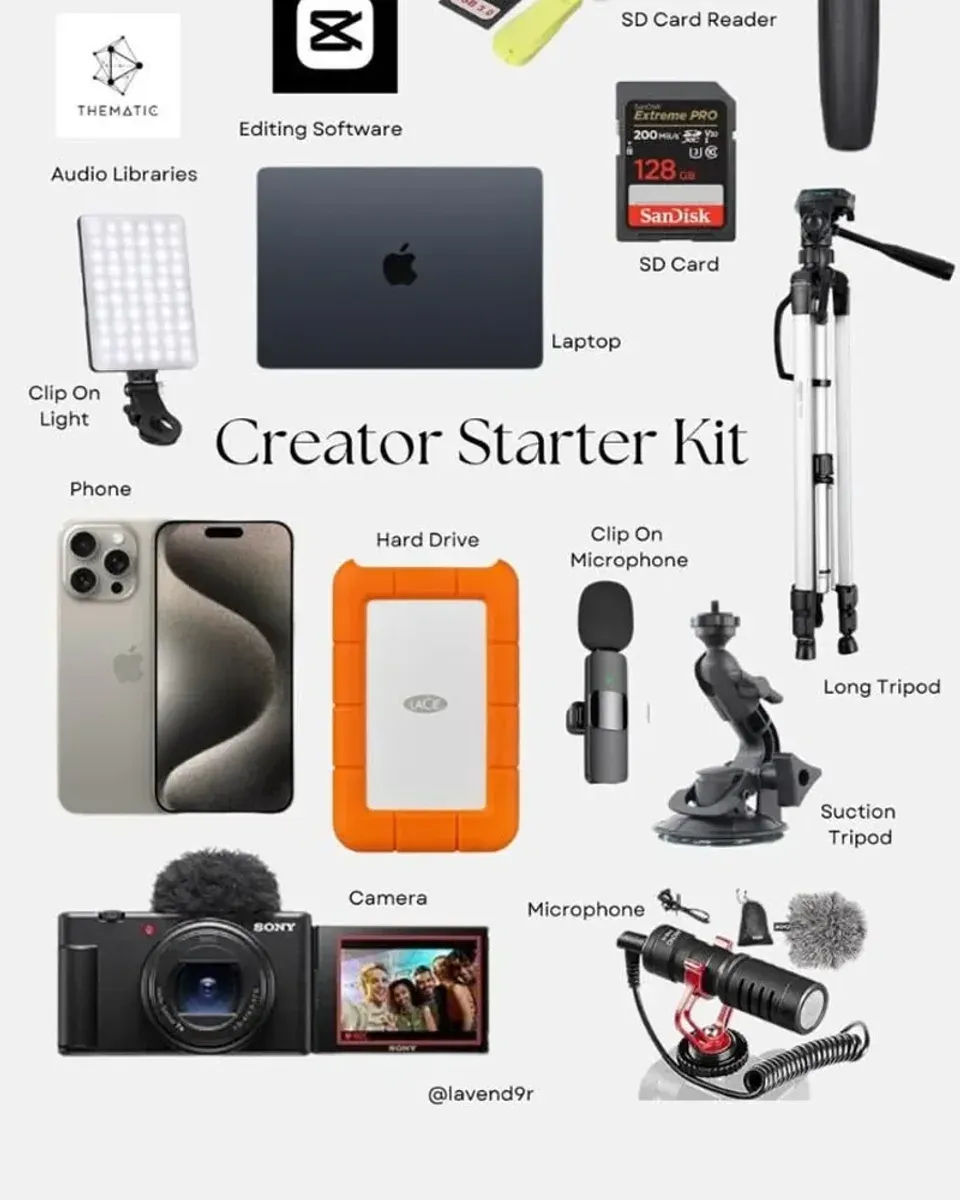
Editing decides the final quality more than capture does, and the laptop is the editing engine. Any machine with 16 GB of RAM cuts 4K timelines in DaVinci Resolve or CapCut desktop. The software stack in the photo is the current standard: CapCut for fast social cuts, DaVinci Resolve for graded long-form, Artlist and Thematic for licensed music.
🏷 Creator laptops Editing Laptops →
Sound: Two Microphones, Two Jobs
The clip-on wireless mic handles talking to camera: lav clipped to a shirt, receiver on the phone, audio recorded into the video file. The shotgun mic with windscreen handles camera-side capture: interviews, room tone, and any shot where a lav would show.
Audio is the fastest way to look professional. Viewers forgive soft focus; they click away from echo. A wireless lav under 100 dollars outperforms every camera upgrade at the same price.
Light: One Clip-On Panel
The clip-on LED panel mounts on the laptop screen, a tripod, or the camera hot shoe. It fills faces in dim rooms, adds catchlights to eyes, and rescues overcast window light. Diffused through its frosted panel, it reads as soft window light in the final video.
🏷 Clip-on lights Clip-On Lights →
Storage: Cards, Drives, Readers
The SanDisk Extreme PRO SD card at 128 GB and 200 MB/s covers the camera for days. The LaCie Rugged portable drive in orange is the creator standard for a reason: it survives drops, transfers at USB-C speed, and holds an active project archive. The USB-C card reader moves footage without the camera present.
🏷 Storage SD Cards → · Card Readers →
Three Tripods, Three Jobs
The small tripod frames desk shots and doubles as a vlogging handle. The long tripod covers standing shots, B-roll, and stable interview framing. The suction mount sticks the camera or phone to cars, windows, and glass for angles no tripod reaches. Creators who film in real locations collect mounts faster than cameras; the flat lay reflects that reality.
Who should build this kit?
Anyone launching a channel with a budget under 2,000 dollars. The phone-based version costs a few hundred; adding the compact camera and laptop pushes toward the full figure. Either way, every piece earns its place within the first month of publishing.
Students and side-hustle creators who need one kit that handles YouTube, verticals, and podcast clips. The capture tools shoot all formats; the software stack edits all aspect ratios.
Creators upgrading from a phone-only workflow who keep re-shooting because audio or storage failed. The mics, drives, and readers in this list are the difference between a publish button and a re-shoot.
Verdict
✅ Pros:
- 14 pieces cover capture, sound, light, framing, storage, and editing
- Phone-first path starts under 500 dollars
- Two mics solve both lav and camera-side audio
- LaCie Rugged drive survives creator travel
- Three mounts cover desk, standing, and vehicle shots
- Software stack is free at entry level
- Every piece available from standard retail
❌ Cons:
- Fourteen pieces is a lot for a first purchase
- Compact camera duplicates phone capability for months
- Three tripods look excessive until location variety demands them
- Laptop requirements rise with 4K editing ambitions
- Wireless mic systems need charging discipline
- Cloud archive adds a monthly cost beyond the flat lay
🏷 Complete the kit Creator Sets →
🇩🇪 This article is also available in Deutsch:
Read in Deutsch →
FAQ
What does a beginner content creator actually need?
Four things to publish: a camera (a recent phone qualifies), a microphone, a light, and editing software. The rest of the kit, tripods, storage, card readers, improves workflow but does not gate the first video.
Phone or dedicated camera to start?
Start with the phone; it is already in your pocket and shoots 4K. Add a compact vlogging camera like the Sony ZV-series when low-light performance, zoom, or battery life becomes the bottleneck.
Which editing software for beginners?
CapCut for phone-first social editing, DaVinci Resolve for free professional-grade desktop editing. Both are free at the entry level, and skills transfer when you eventually outgrow them.
How much storage does a creator need?
A 128 GB SD card covers several shoot days, and a 2 to 5 TB portable hard drive holds an active archive. Archive to cloud storage monthly; hard drives fail silently.
Why three tripods in one kit?
Each does a different job: a small tripod for desk and tabletop framing, a long tripod for standing shots and B-roll, a suction mount for car and window setups. Creators who film in varied locations accumulate mounts faster than cameras.

Continue reading
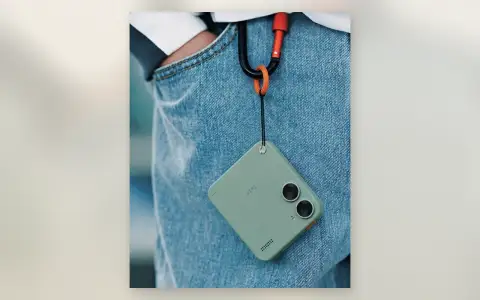
Mini EDC Cameras: Why Tiny Cameras on Carabiners Came Back
Mini EDC camera guide: pocket cameras small enough for a keychain, what the dual-lens Twin-style designs offer, which specs matter at this size, and the real mini cameras worth buying on Amazon.
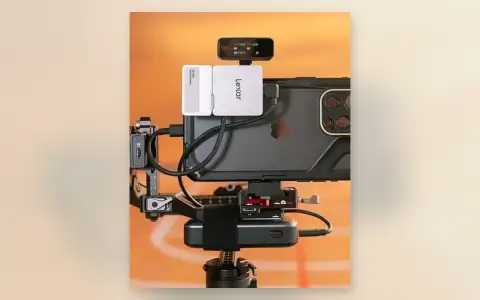
iPhone ProRes Recording Rig: External SSDs, Monitor, and Power for Cinematic Video
iPhone ProRes recording rig guide: gimbal-mounted cage with dual external SSDs, on-top monitor, and power bank for unlimited Apple Log 4K recording. The setup that turns a phone into a B-camera.
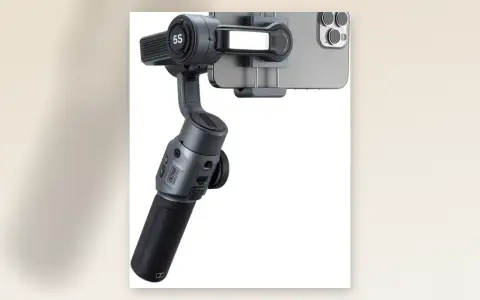
Zhiyun Smooth 5S Review: The Smartphone Gimbal With Built-In Fill Light
Zhiyun Smooth 5S review: 3-axis smartphone gimbal with built-in fill light, magnetic quick-release clamp, ActiveTrack 5.0, 10-hour battery, and phone charging. Smooth video without learning gimbal choreography.