Samsung Galaxy Ecosystem Guide: Which Devices Actually Work Together
Samsung Galaxy ecosystem guide: phone, watch, buds, SmartTag, tablet, and charging gear reviewed as one system. What connects to what, which pairings earn their price, and where the ecosystem ends.
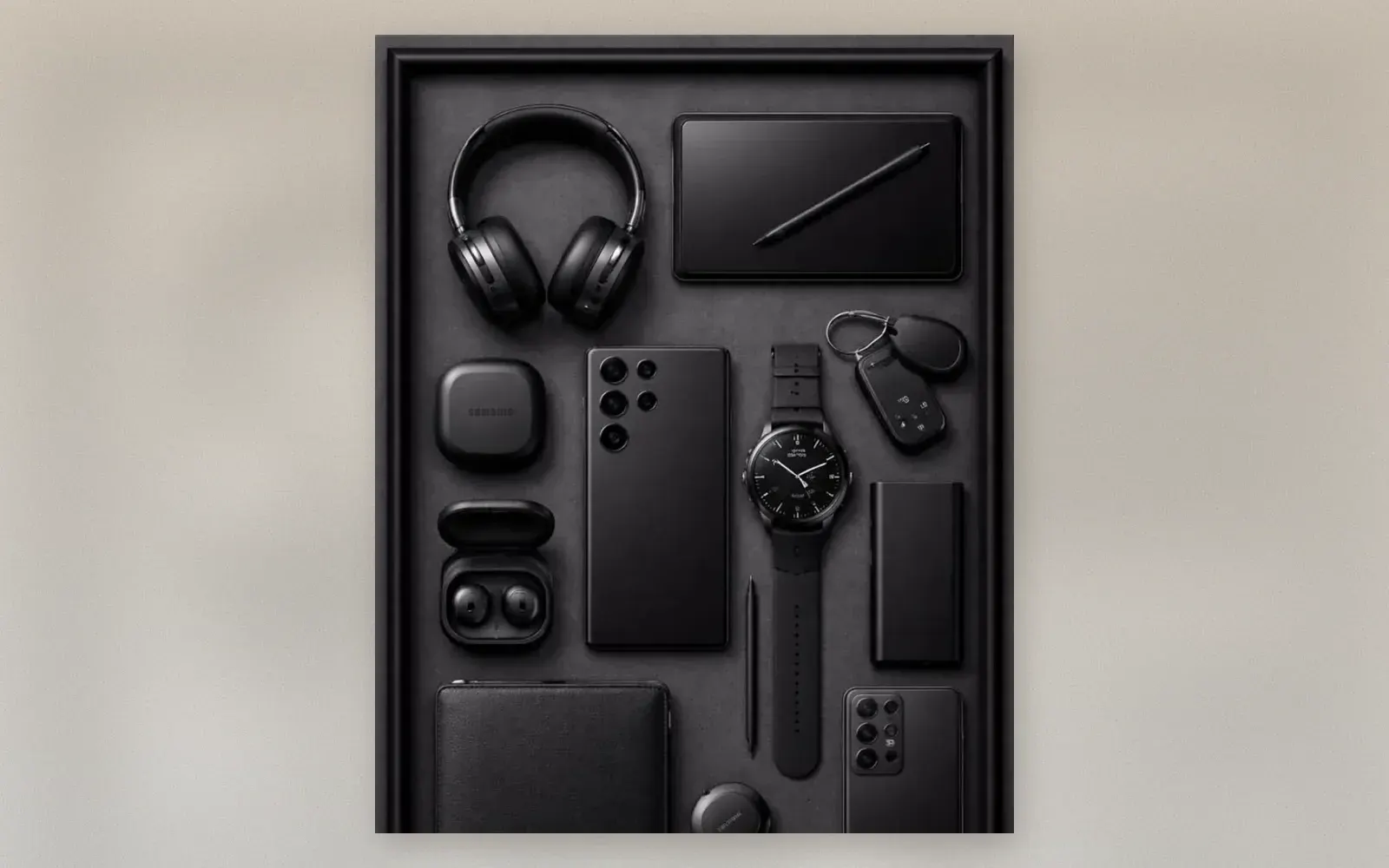
Samsung sells individual devices; the pitch is the ecosystem. Phone, watch, buds, trackers, and tablet sharing one account is the promise, and the all-black flat lay is the catalog version of it. The honest question is not whether the devices work, they do, but which connections between them earn their price and which are demo-floor magic. This guide walks the ecosystem as a system: what pairs with what, what requires Samsung hardware, and where the walls are.
🏷 Galaxy ecosystem gear Galaxy Watch → · Galaxy Buds3 Pro →
The Hub: Galaxy S Ultra
Everything starts with the phone, and the S Ultra is the ecosystem’s center of gravity. It hosts the Find My Mobile network that SmartTags depend on, pairs the watch and buds automatically on first power-on, drives DeX to a monitor, and charges the buds case on its back. The built-in S-Pen removes the tablet’s main advantage for note-taking on the go.
We reviewed the current flagship separately: the Galaxy S25 Ultra review covers the phone itself. The ecosystem case for the Ultra is simpler: UWB precision finding for SmartTags, the best DeX implementation, and seven years of updates that keep the whole system current.
The Watch: Health That Needs the Hub
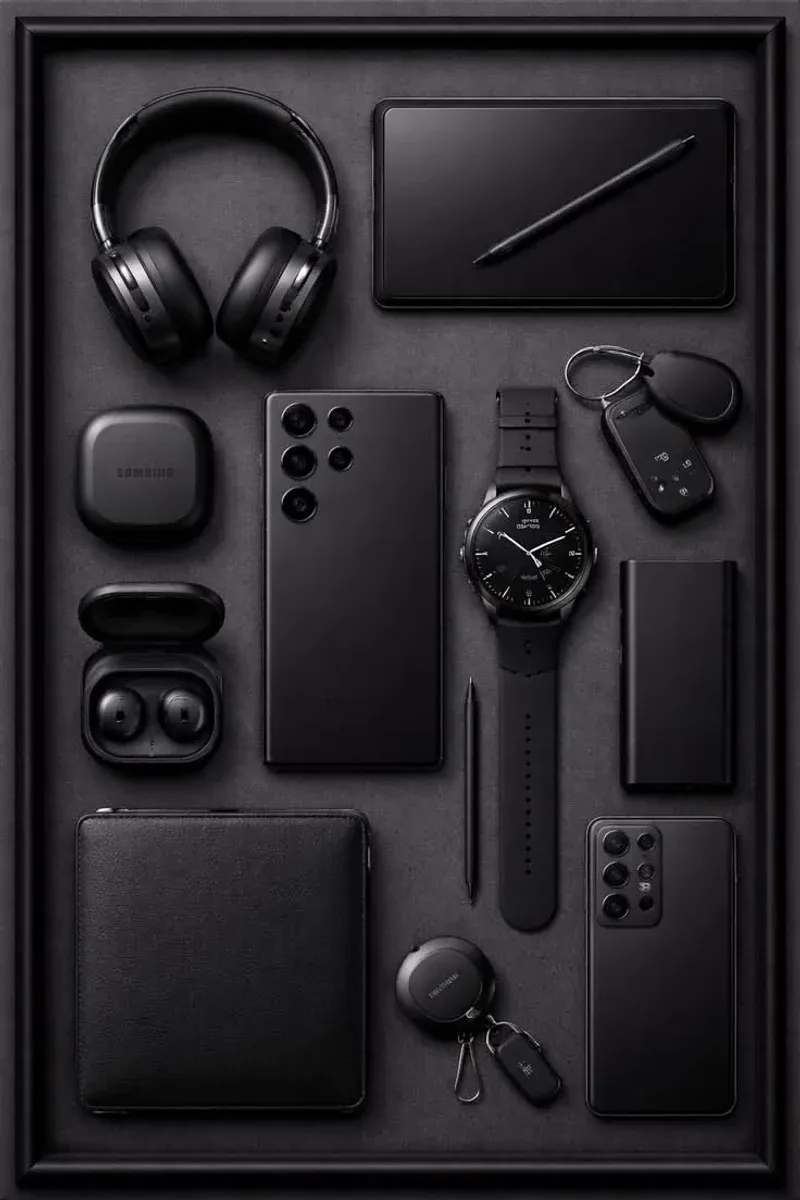
The Galaxy Watch reads heart rate, sleep, stress, and workout load, then pushes everything into the Samsung Health app on the phone. The pairing is instant, notifications hand off cleanly, and camera control from the watch works with the native app.
The wall: ECG, blood pressure, and the deepest sleep coaching unlock only with a Samsung phone. With any other Android, the watch is a strong fitness tracker with a premium case. iPhone users should look elsewhere entirely.
🏷 Watch accessories Watch Bands →
The Buds: Best on Samsung, Fine Everywhere
Galaxy Buds pair with any Bluetooth device, but Samsung hardware unlocks the good parts: 360 Audio head tracking, automatic switching between phone and tablet as you move, and seamless pairing dialogs. On other Androids and iPhones, the Buds become well-sounding earbuds with a normal feature set.
The seal quality makes the case for them everywhere: active noise cancellation at this price competes with brands that charge more. For Galaxy owners, the auto-switch between phone and tablet is the daily convenience that justifies the brand match.
SmartTag2: The Silent Killer Feature
Two SmartTag2 trackers ride in the flat lay on keychains, and they are the ecosystem’s quiet best argument. The Find My Mobile network crowd-sources location from every passing Galaxy device, and UWB on Ultra phones gives arrow-precise finding within meters. Attach them to keys, luggage, the camera bag, and the dog collar.
🏷 SmartTag trackers SmartTag2 →
The catch is network density: SmartTags shine where Galaxy phones are common. In markets where iPhone dominates coverage, an AirTag finds things faster. Know your environment before buying four of them.
The Tablet: S-Pen Workspace
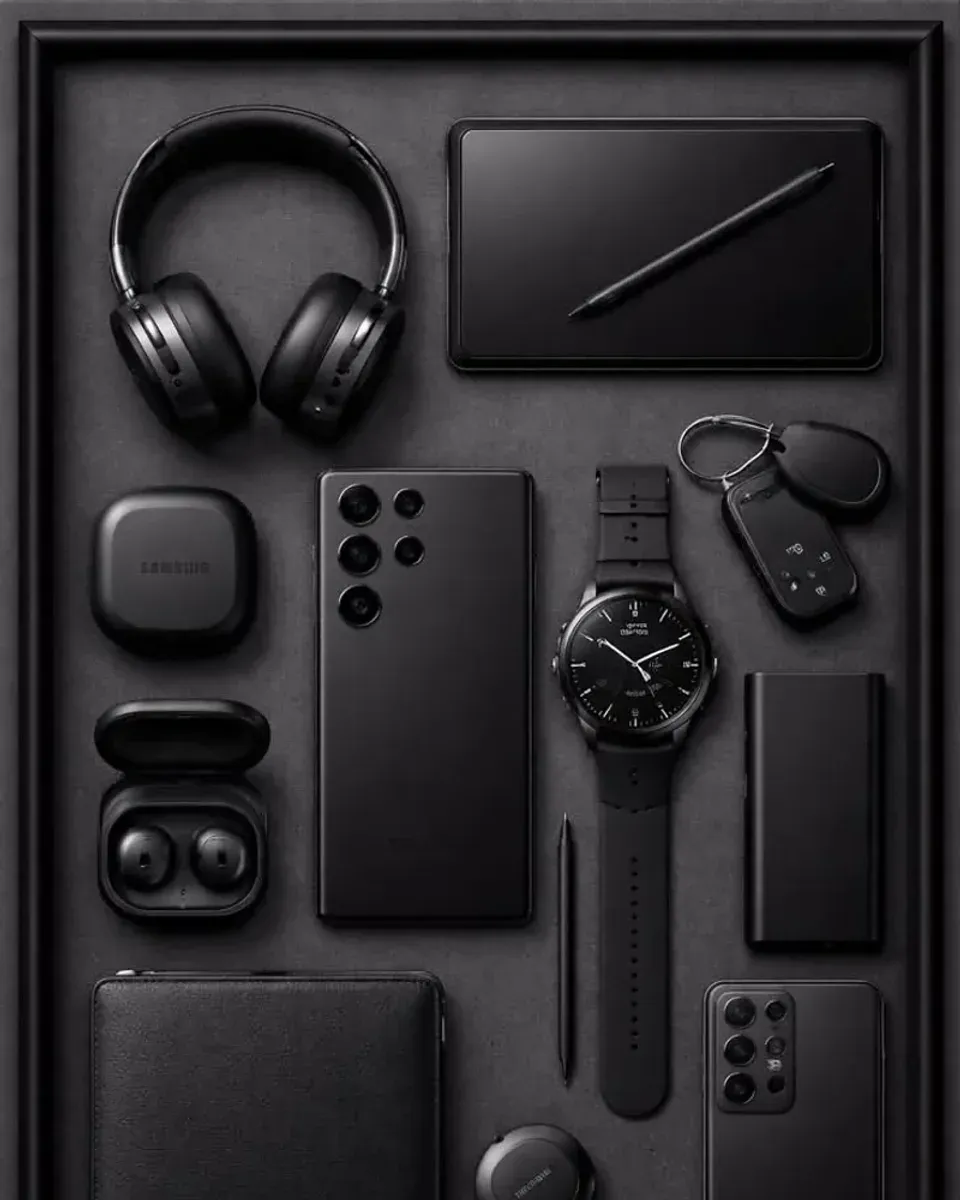
The Galaxy Tab with S-Pen, covered in our Tab S10 Ultra review, extends the phone’s screen vocabulary: second display for the laptop via Second Screen, drawing surface with the included pen, and a DeX desktop on its own panel. Photos taken on the phone appear on the tablet’s clipboard instantly.
Power and Carry: The Boring Layer
A 45W battery pack and a wireless charging pad keep the collection alive; Samsung’s 45W standard fills an Ultra in under an hour. The leather wallet case folds card storage onto the phone and works with the wireless pad, which is the everyday-carry detail buyers forget to check.
🏷 Power gear 45W Charging →
Who should buy into the ecosystem?
Users replacing two or more devices at once: phone plus watch plus buds as a bundle purchase multiplies the connections that make the ecosystem real. Buying one Galaxy device alone buys none of the magic.
Android households with mixed brands should buy selectively: the watch and tablet reward Samsung-phone ownership; the buds and charger do not require it.
Anyone deep in another ecosystem, iPhone plus AirPods plus AirTags, should stay there. The walls are real, and switching costs buy friction before they buy features.
Verdict
✅ Pros:
- Phone hub connects watch, buds, tags, and tablet on first login
- SmartTag2 finding is precise and crowd-sourced through Galaxy devices
- Watch health features run deepest with a Samsung phone
- Buds auto-switch between phone and tablet seamlessly
- Seven years of phone updates keep the whole system current
- 45W charging refills the flagship in under an hour
❌ Cons:
- ECG and blood pressure need a Samsung phone, no iPhone support
- SmartTag network density depends on local Galaxy market share
- Buds lose auto-switching and 360 Audio off Samsung hardware
- Full ecosystem purchase is expensive all at once
- Tablet complements rather than replaces a laptop
- Wallet case adds bulk that wireless charging tolerates but pockets notice
🏷 More Galaxy gear Galaxy Accessories →
🇩🇪 This article is also available in Deutsch:
Read in Deutsch →
FAQ
What devices make up the core Samsung Galaxy ecosystem?
A Galaxy phone as the hub, a Galaxy Watch for health and notifications, Galaxy Buds for audio, SmartTag2 trackers for items, and optionally a Galaxy Tab with S-Pen for productivity. Charging gear and a wallet case round out the everyday carry.
Do Galaxy Buds work with non-Samsung phones?
Yes, with limitations. Buds pair over standard Bluetooth and play audio from any device, but 360 Audio, auto-switching between devices, and the full equalizer require a Samsung phone with the Galaxy Wearable app.
What does a SmartTag2 actually do?
SmartTag2 attaches to keys, luggage, or wallets and reports location through Samsung's Find My Mobile network of Galaxy devices. It also works as a UWB-precise finder with AR navigation on Ultra models and doubles as a smart-home button.
Is the Galaxy Watch worth it without a Samsung phone?
Partially. The watch pairs with most Android phones for fitness tracking and notifications, but ECG, blood pressure, and the deepest sleep analytics require a Samsung phone. iPhone support does not exist.
Does the Galaxy tablet replace a laptop?
For writing, email, drawing with the S-Pen, and media, yes. Samsung DeX adds a desktop mode on an external display. For heavy video editing or programming, a laptop remains necessary.

Continue reading
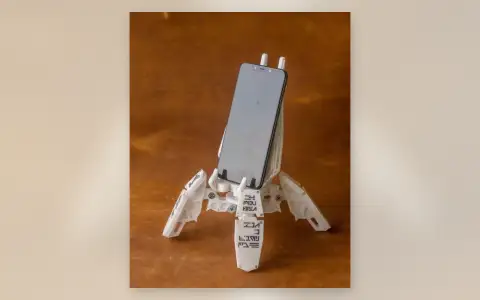
Mech Exo-Suit Phone Holder Review: 3D-Printed Robot That Actually Holds Your Phone
A 3D-printed mechanical exoskeleton phone stand with articulated joints and worm-gear tilt. Desk decor that doubles as a functional holder.

Google Pixel 9 Pro: the best camera phone you can buy
Google Pixel 9 Pro review: the Tensor G4 chip, a 50MP main camera with AI magic, and 7 years of updates. Is it worth switching from iPhone?

iPhone 16 Pro Max: Apple's Flagship Gets Even Better
iPhone 16 Pro Max review: camera, A18 Pro chip, Dynamic Island, and improved battery life. Is it worth the upgrade?