Black Desk Setup: 7 Upgrades That Finish a Battlestation
Black desk setup guide: monitor light bar, riser shelf, grey desk mat, 75 percent mechanical keyboard, studio speakers, and a flip-clock tablet. The hardware layer that finishes a dark battlestation.
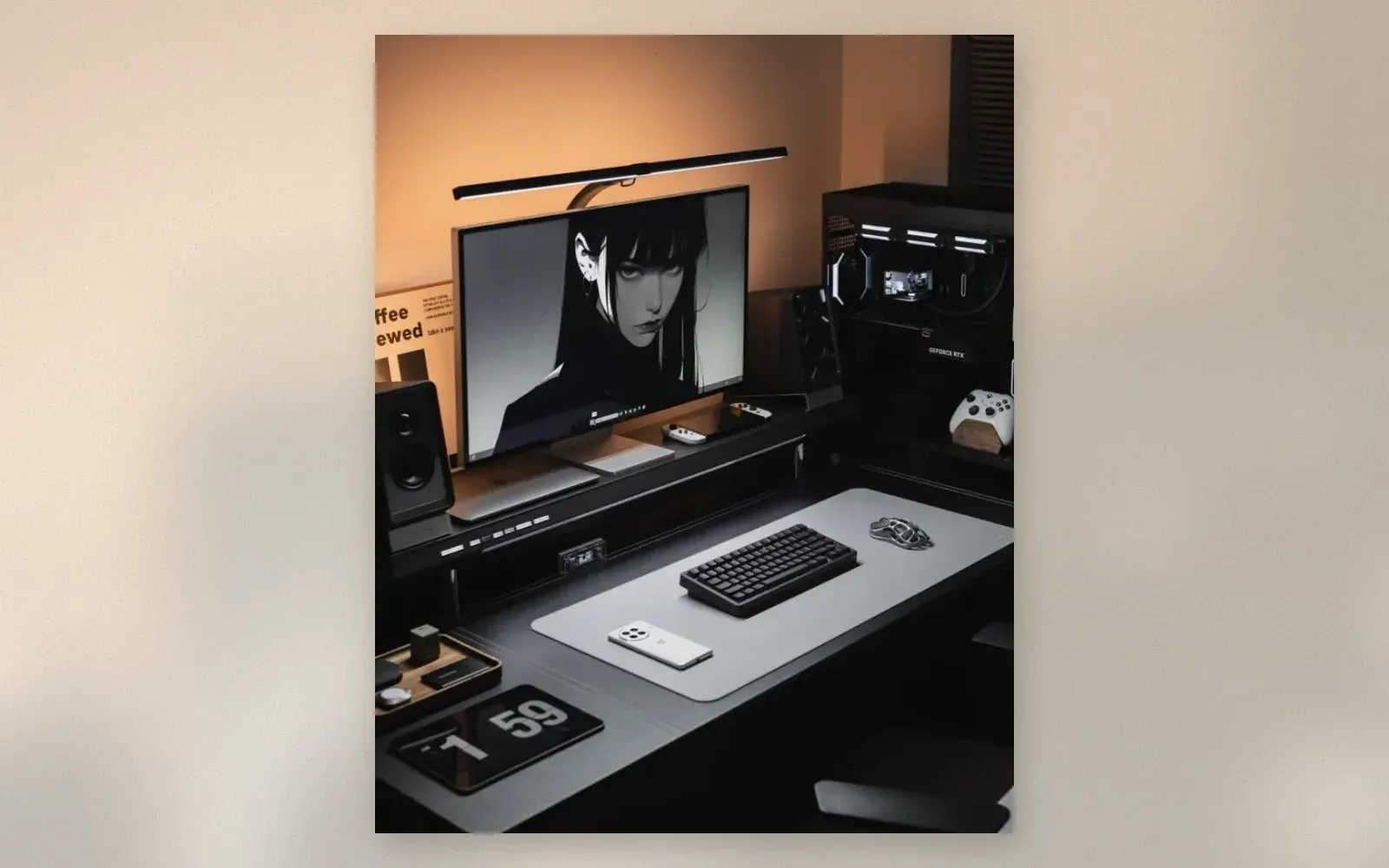
The battlestation in the photo is finished, and the difference from an unfinished desk is seven specific objects. Black desk, black monitors, black everything, and yet nothing disappears: the monitor light bar draws a line of light, the grey desk mat frames the keyboard zone, the flip-clock tablet ticks time in giant digits, and the riser shelf under the monitor swallows the laptop and controllers that would otherwise clutter the surface. None of these upgrades is expensive. Together, they are the difference between a desk with a computer and a battlestation.
🏷 Battlestation upgrades Monitor Light Bars → · Desk Mats →
The Monitor Light Bar: First Upgrade, Always
The slim bar clamped to the monitor’s top edge is the upgrade that changes everything else. It throws asymmetric light onto the desk surface: keyboard and mat illuminated, screen glare-free, desk lamp position eliminated. On a dark setup, the light bar is also the aesthetic anchor: that single line of light against black is the battlestation silhouette.
Light bars run on USB from the monitor or laptop, dim steplessly, and switch between color temperatures for day work and night sessions.
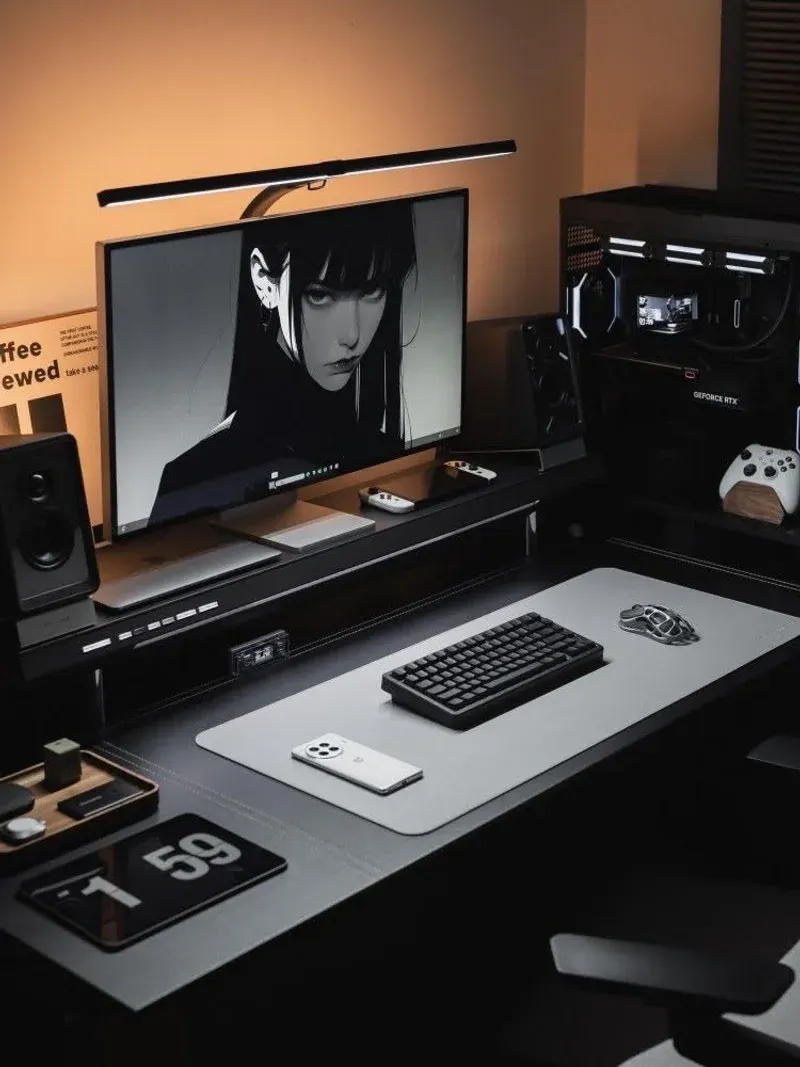
The Riser Shelf: Storage Where Clutter Used to Live
The shelf under the monitor raises the screen to eye level, the single highest-impact ergonomic fix available, and converts the dead space underneath into a storage layer. In the photo, the shelf holds a MacBook, game controllers, and the desk’s small electronics, all within arm’s reach and invisible from the sitting position.
Riser shelves come as wood slabs on brackets or as full stands with USB hubs built in. Either works; the measurement that matters is monitor top edge at eye level.
🏷 Riser shelves Monitor Risers →
The Desk Mat: One Surface for Everything
The grey mat under keyboard and mouse covers the entire work zone. It dampens mechanical keyboard clack to a thud, protects the desk finish from wrist wear, and draws the visual boundary that makes a setup read as designed. On a black desk, the grey mat is the contrast layer that keeps the surface from swallowing its own hardware.
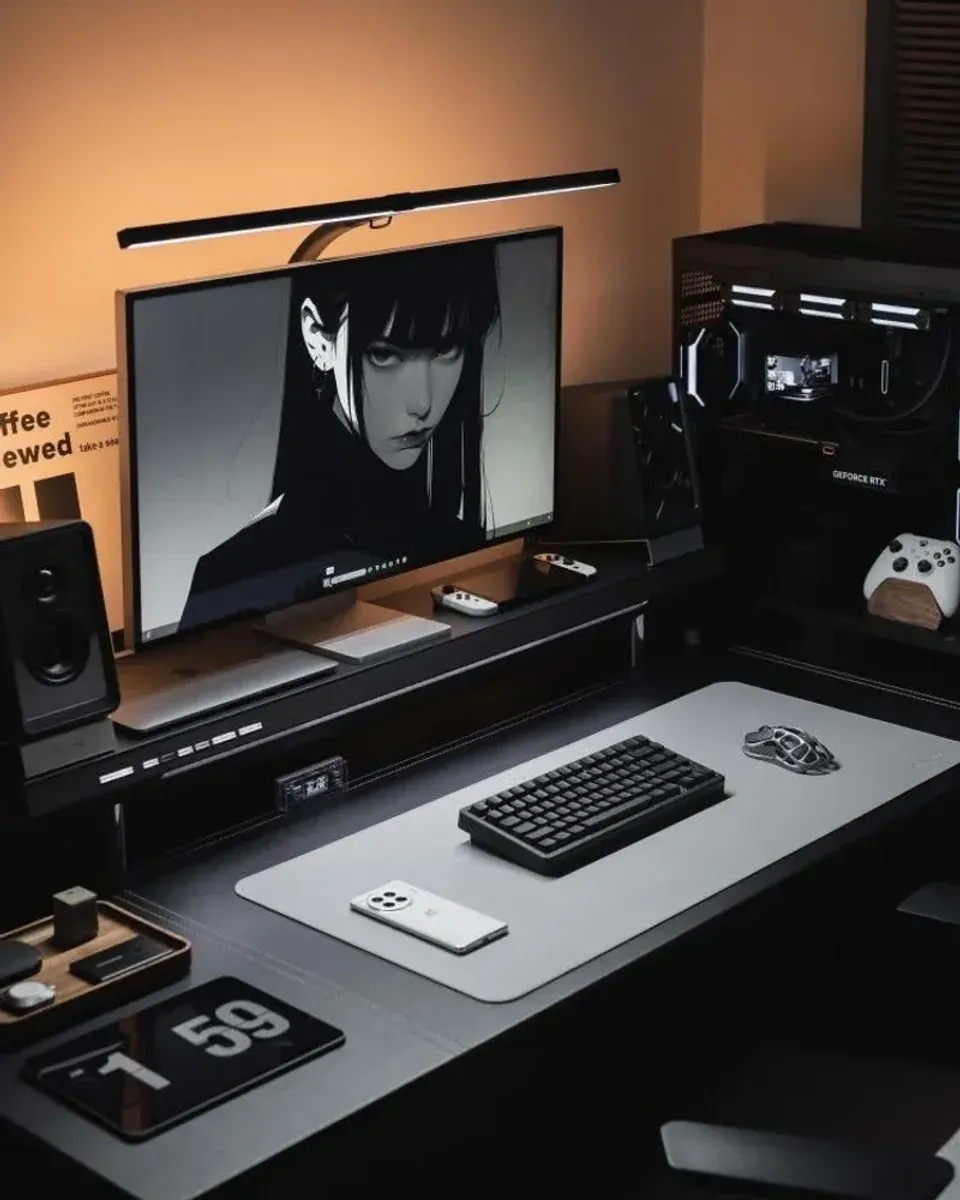
The Keyboard: 75 Percent, Mechanical
The 75 percent layout in the photo drops the number pad, keeps the arrow keys and function row, and cuts desk width by a third. On a battlestation, reclaimed width is spent on the mouse zone, the desk mat, and elbow room. Mechanical switches outlast every membrane board and make the mat’s sound-dampening worth having.
🏷 Mechanical keyboards 75 Percent Keyboards →
Sound and Time: Speakers and the Flip Clock
Studio monitors at the desk edges handle calls, music, and game audio with directional clarity that soundbars approximate and laptop speakers mock. Positioned on the riser line, they frame the screen acoustically as well as visually.
The flip-clock tablet is the cheapest charm in the photo: a tablet on a stand running Fliqlo, time in huge flip digits, always visible. It doubles as a timer, calendar glance, and the one glowing object that makes the desk feel alive in photos.
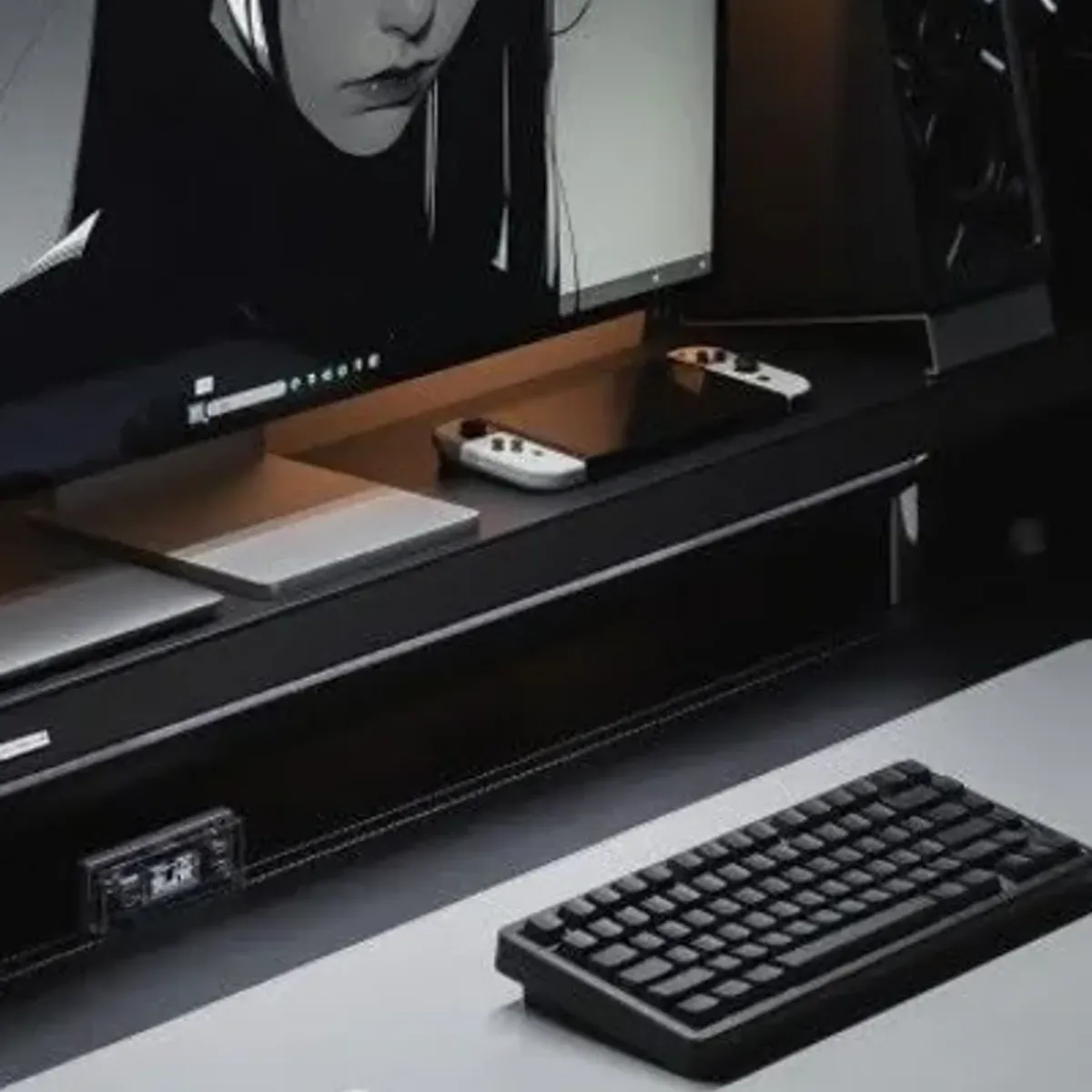
The Tray: Small Gear Has One Home
The wooden tray in the corner collects earbuds, SD cards, and the small items that otherwise scatter across a dark desk. On black surfaces, small objects vanish; a tray gives every one of them an address.
Who should build this setup?
Anyone whose desk works but feels unfinished. The seven upgrades here are the layer between a computer on a table and a battlestation, and each one lands within a week of shipping.
Dark-setup builders adding the finishing layer after the room is done. This guide covers the desk hardware; the room walls, chair, and ambient light are the previous project.
Gamers and hybrid workers who share the desk between play and work. The riser shelf stores console controllers by day and releases them by night.
Verdict
✅ Pros:
- Monitor light bar eliminates glare and the desk lamp
- Riser shelf fixes monitor height and adds a storage layer
- Desk mat covers the work zone and dampens keyboard sound
- 75 percent keyboard reclaims a third of the desk width
- Flip-clock tablet costs less than any desk clock
- Every upgrade ships within days from standard retail
❌ Cons:
- Black surfaces show dust daily
- Light bars clamp poorly on curved monitors
- Mechanical keyboards divide opinion on noise
- Desk mats stain with coffee as visibly as they protect
- Riser shelf raises monitor too high for tall users without adjustment
- Tablet for a clock is a luxury the phone already covers
🏷 Finish the desk Desk Trays →
🇩🇪 This article is also available in Deutsch:
Read in Deutsch →
FAQ
What is a monitor light bar?
A slim LED bar that clamps to the top of the monitor and throws asymmetric light down onto the desk surface. It lights keyboard and desk without glaring off the screen, and frees the lamp position entirely.
Why use a desk mat instead of a mousepad?
A desk mat covers the whole work area: keyboard, mouse, and wrist rest zone on one surface. It dampens keyboard clack, protects the desk finish, and defines the visual zone that makes setups look finished.
What is a 75 percent keyboard?
A mechanical keyboard without the number pad but with arrow keys and a function row intact. It cuts desk width by a third compared to full-size boards while keeping every key a daily user touches.
How does the flip-clock tablet work?
A tablet running a flip-clock app, Fliqlo being the classic, on a small stand. It shows the time in huge flip digits, doubles as a second screen for timers and calendars, and costs less than any dedicated desk clock.
Does the riser shelf help ergonomics?
Yes. Raising the monitor so its top edge sits at eye level is the single highest-impact ergonomic fix, and the shelf under it adds a storage layer for the laptop, controllers, and small gear.

Continue reading
Lunchbox PC: How to Build a Desktop Inside a Toolbox Case
Lunchbox PC build guide: mounting a mini-ITX motherboard, PSU, and drives inside a plastic toolbox case. Component choices, grounding and ventilation rules, and the mistakes that kill lunchbox builds.
Photoshop vs Illustrator: Essential Keyboard Shortcuts Side by Side
Photoshop CC vs Illustrator keyboard shortcuts cheat sheet: 24 essential tools with their shortcuts compared. Move, Select, Pen, Type, Brush, Gradient, and more — the shortcuts every designer needs.
Desk Clamp Power Strip with 65W USB-C: Charge Everything Under Your Desk
A clamp-on power strip with 65W USB-C fast charging that mounts under your desk. Here's what it actually delivers.