AODUKE Mac Mini M4 VESA Bracket: Turn Your Mini Into a Clean All-in-One Setup
The AODUKE VESA bracket hides your Mac mini behind the monitor for a clutter-free desk. Here's what it actually delivers.
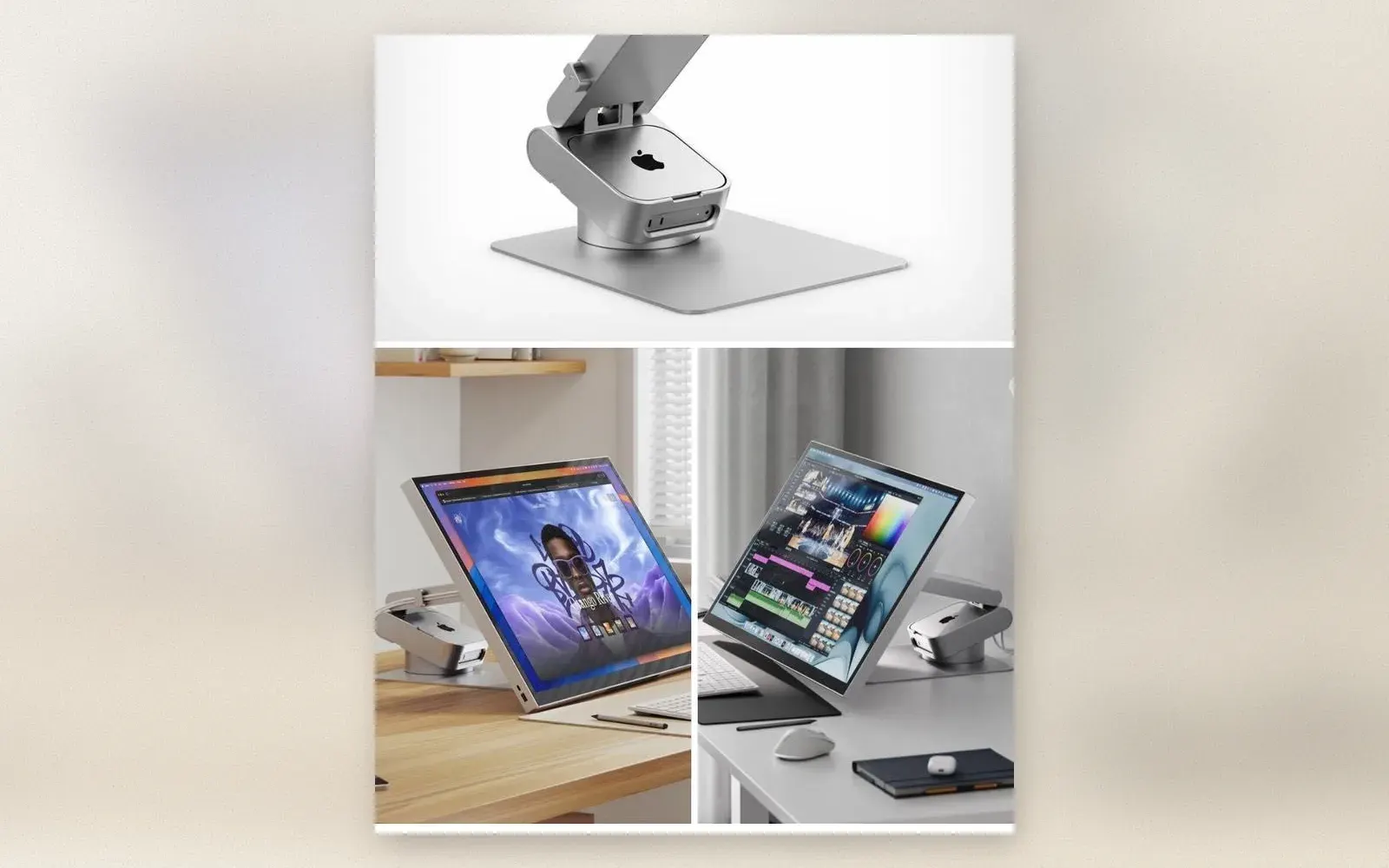
If your Mac mini M4 sits on the desk collecting dust and cables, you already know the problem. The AODUKE aluminum VESA bracket is a simple metal plate that mounts between your monitor and its arm, tucking the Mac mini out of sight. No more tangled wires, no more wasted desk space.
The idea is straightforward: your Mac mini becomes part of the monitor assembly, and you get something closer to an iMac-style all-in-one setup without buying a new computer.
🏷 Affiliate link: AODUKE Aluminum Alloy Mac Mini M4 VESA Bracket on Amazon.de
What exactly does the AODUKE bracket do?
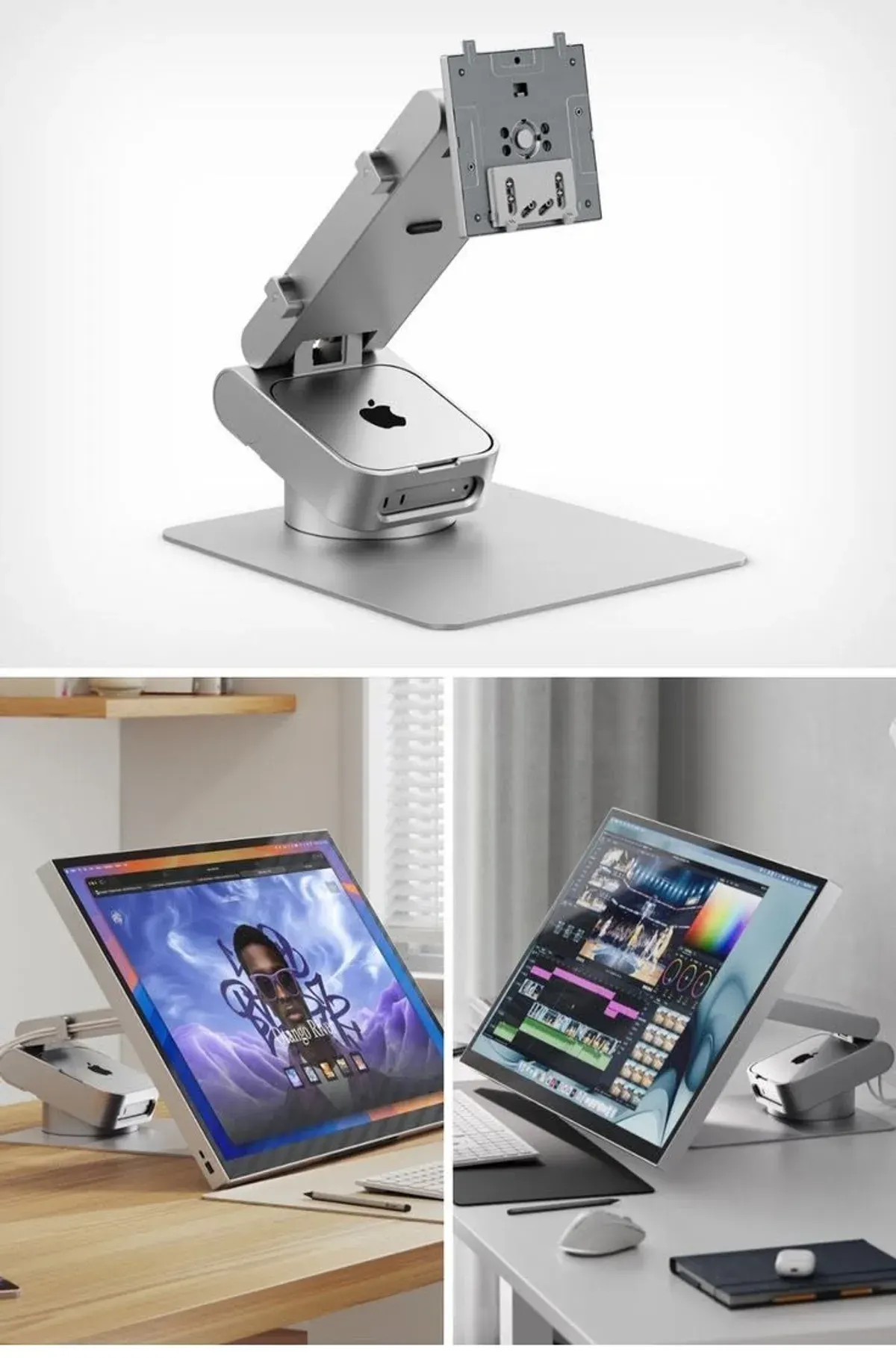
The bracket is a flat aluminum plate with VESA mounting holes on one side and a Mac mini cradle on the other. You bolt it to your existing monitor arm or stand, then slide the Mac mini into the cradle. The whole assembly sits behind the display.
It supports both 75x75mm and 100x100mm VESA patterns, which covers most monitors and arms on the market. The aluminum construction keeps weight low while providing decent heat dissipation. The bracket adds about 150 grams to your monitor setup, which any standard arm can handle.
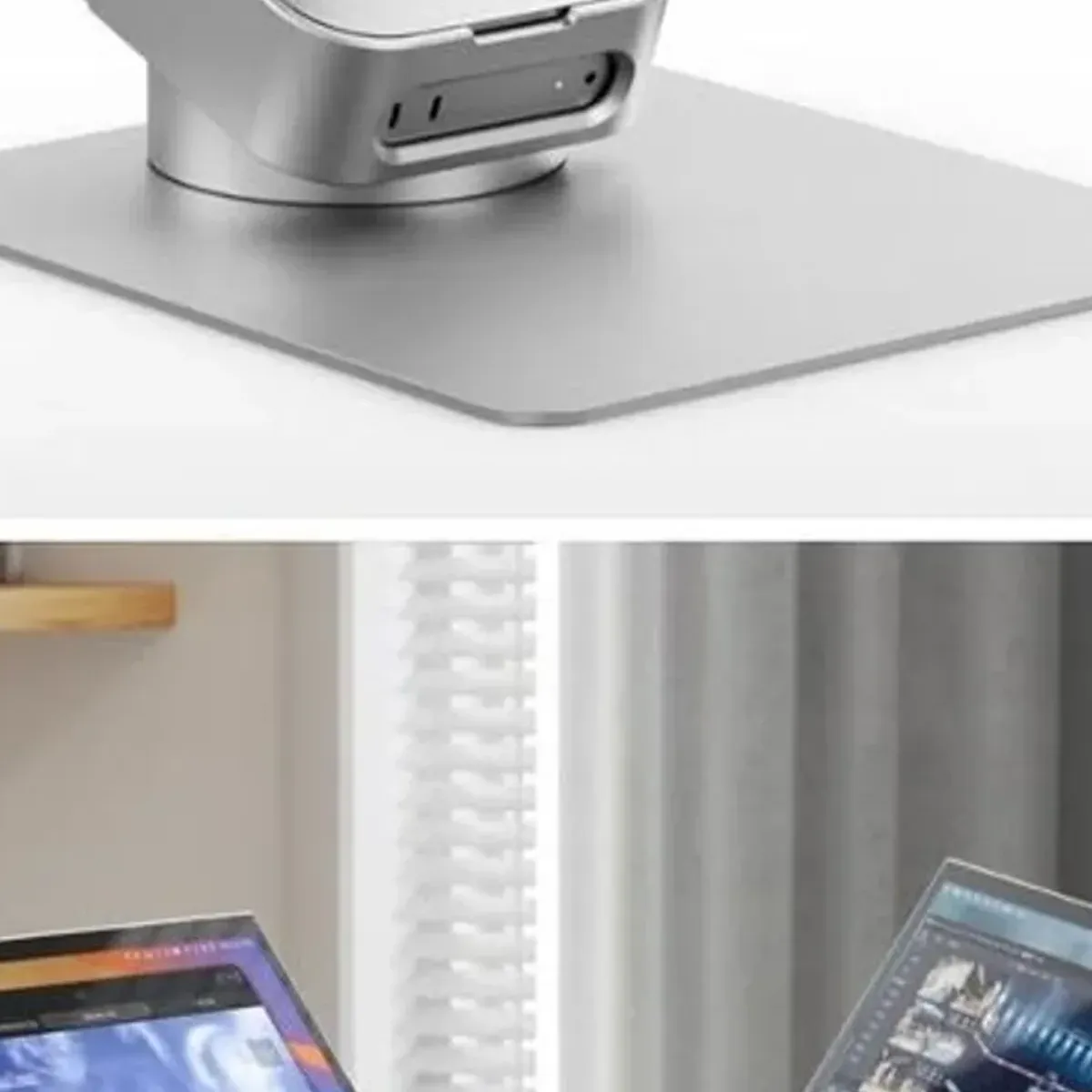
The Mac mini’s ports remain accessible from the back, so you do not need to remove anything to plug in USB drives or cables. Ventilation slots on the bracket let air flow around the Mac mini, which matters since the M4 chip can run warm under load.
Is it compatible with my Mac mini and monitor?
The bracket is designed specifically for the Mac mini M4 (2024) and M4 Pro models. It will not fit older Mac mini designs from 2023 or earlier. The cradle dimensions match the new M4 chassis exactly, so there is no wiggle room or adapters needed.
For monitors, the VESA compatibility is the key question. Most modern monitors support at least one of the two standard patterns (75x75 or 100x100). If your monitor has VESA holes on the back, this bracket should work. Monitors without VESA mounts, like some ultra-wide or curved models, will need a different solution.
The bracket works with standard monitor arms, wall mounts, and desk clamps that use VESA plates. If you already have an arm holding your monitor, adding the bracket between the arm and the monitor is a five-minute job with a screwdriver.
Does the aluminum construction actually help with heat?
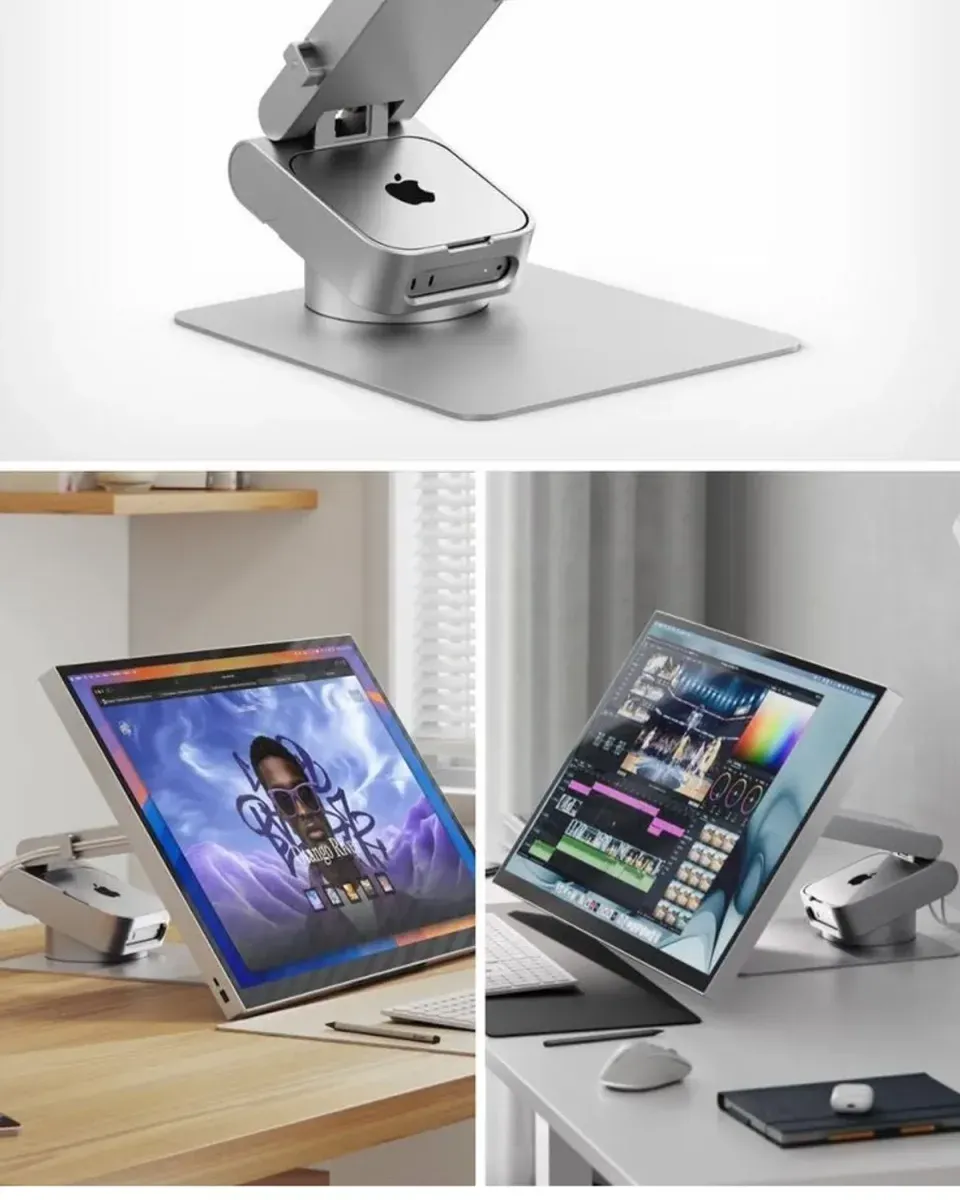
Aluminum conducts heat better than plastic, so the bracket acts as a passive heat sink for the Mac mini. The M4 chip does not get as hot as older Intel Mac minis, but it still benefits from airflow when you are running demanding tasks like video editing or compiling code.
The ventilation slots are positioned to allow air circulation around the Mac mini’s bottom and sides. In practice, temperatures stay within normal range for most workloads. If you push the Mac mini hard for extended periods, you might see slightly lower temperatures compared to it sitting flat on a desk, but the difference is modest.
The aluminum also looks better than plastic alternatives. It matches the Mac mini’s own aluminum finish, so the whole setup looks intentional rather than improvised.
What are the limitations?
The bracket does not include a monitor arm or stand. You need existing VESA-compatible hardware to use it. If your monitor does not have VESA holes, you will need to buy a compatible arm or mount first.
Cable management is still your responsibility. The bracket hides the Mac mini, but the cables running to it are visible unless you route them carefully. Some users add cable clips or sleeves to keep things tidy.
The bracket adds depth behind the monitor. If your desk is shallow or your monitor sits close to a wall, check the total depth before buying. The Mac mini plus bracket adds roughly 3 to 4 centimeters behind the display.
Is it worth the price?
At around EUR 25 to 30 on Amazon.de, the AODUKE bracket is one of the cheaper ways to clean up a Mac mini setup. alternatives like the IFCASE or Fasgear brackets cost similar amounts but may have different build quality or fit.
For anyone with a Mac mini M4 and a VESA-compatible monitor, this is a practical upgrade that costs less than a decent cable management kit. The aluminum construction is solid, the VESA compatibility is broad, and the installation takes minutes.
The main value is aesthetic: your desk looks cleaner, and the Mac mini is protected from dust and accidental bumps. If you care about a tidy workspace, the bracket does its job without fuss.
🏷 Looking for alternatives? Browse more Mac mini VESA mounts on Amazon.de
Verdict
The AODUKE VESA bracket is a no-frills aluminum plate that solves a specific problem: mounting your Mac mini behind a monitor. It does not try to be clever or add unnecessary features. The build quality is solid, the VESA compatibility is broad, and the price is reasonable.
If your Mac mini M4 is sitting on your desk taking up space, this bracket puts it where it belongs: out of sight, behind your display, working quietly.
🏷 Ready to buy? Get the AODUKE VESA Bracket on Amazon.de
Pros:
- Solid aluminum construction that matches the Mac mini’s finish
- Supports both 75x75 and 100x100mm VESA patterns
- Ports remain accessible after mounting
- Lightweight at 150 grams
- Affordable price point
Cons:
- Only fits Mac mini M4 and M4 Pro (2024), not older models
- Does not include a monitor arm or stand
- Adds 3 to 4 centimeters of depth behind the monitor
- Cable management is still your responsibility

Continue reading
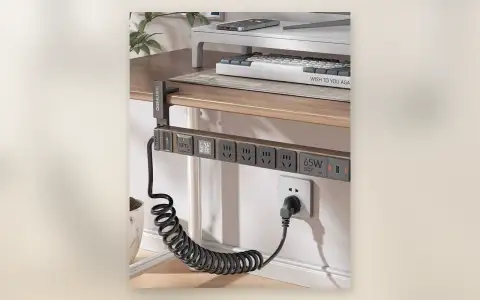
Desk Clamp Power Strip with 65W USB-C: Charge Everything Under Your Desk
A clamp-on power strip with 65W USB-C fast charging that mounts under your desk. Here's what it actually delivers.
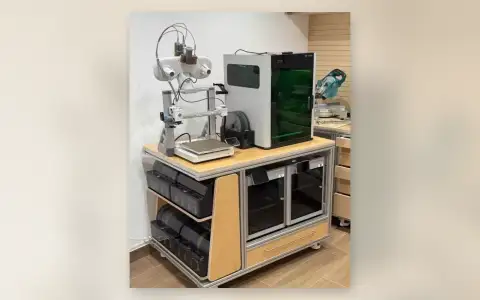
3D Printer Workstation with Filament Storage Review: Workshop Cart That Holds Everything
3D printer workstation review: mobile cart with filament storage, dry boxes, and locking casters. Does it organize a maker space or just collect dust?
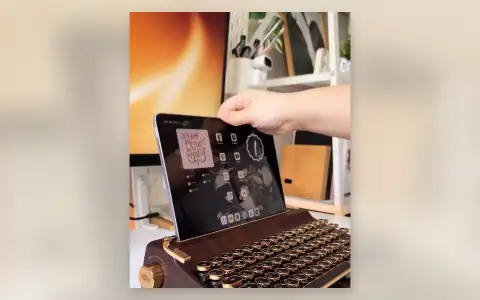
Retro Typewriter Keyboard with Tablet Stand Review: Vintage Looks, Modern Keys
Retro typewriter keyboard with tablet stand review: round keys, wood finish, Bluetooth. Does it type well or just look good on the desk?