Palm-Sized Mini PC Guide: What a Computer Smaller Than Your Hand Can Do
Palm mini PC guide: what palm-sized computers with USB ports, microSD slots, and WiFi antennas actually run, real specs at this size, and the honest limits of computers smaller than a hand.
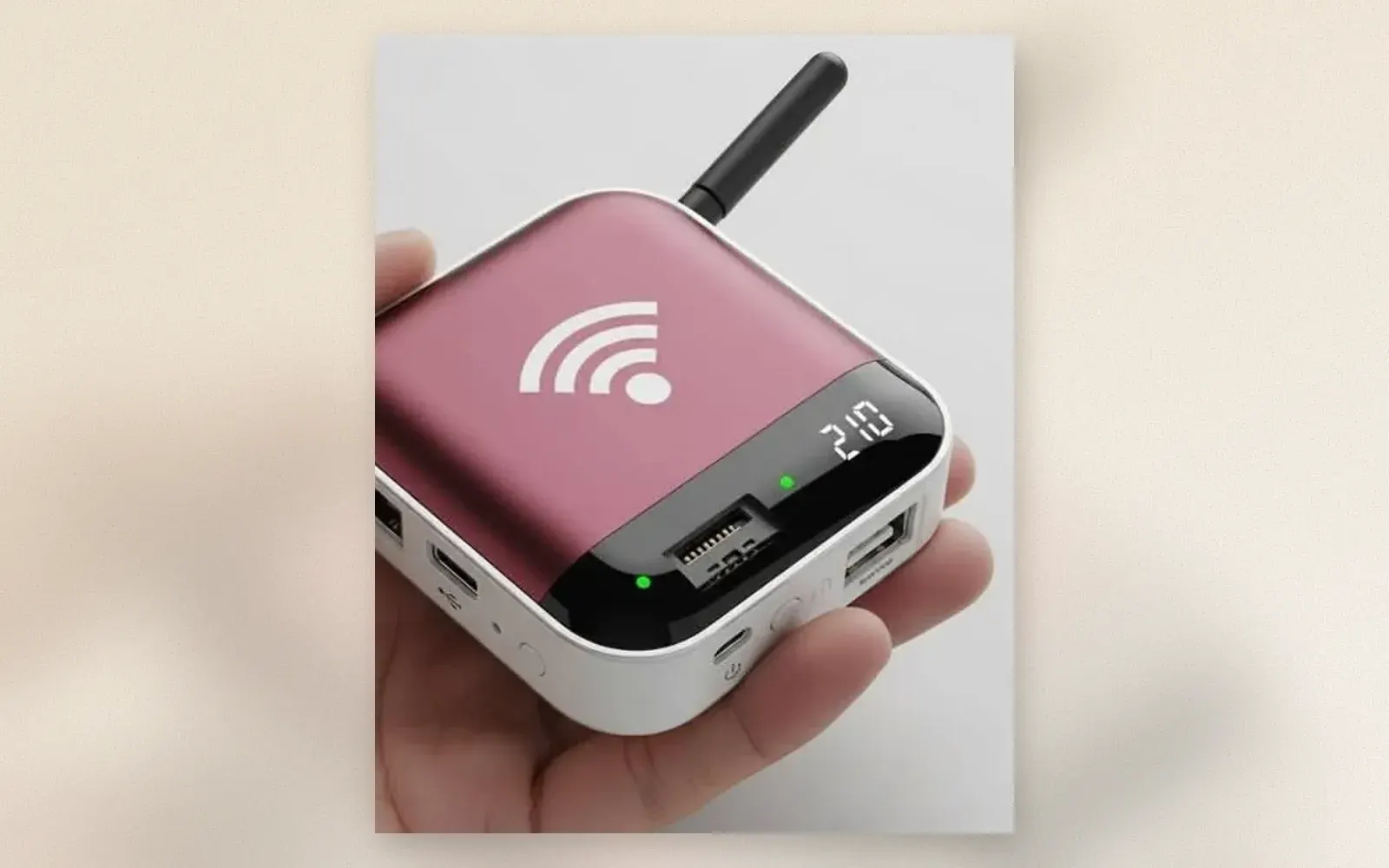
The computer in the photo fits in a palm: pink and white shell, WiFi antenna, LED display, three USB ports, a microSD slot, and a power button. Palm-sized mini PCs are the smallest class of real computers, and the category has outgrown its toy reputation: N100-class chips now run office work, 4K playback, and home server duty without a fan spinning up. This guide covers what the class does, what it cannot, and which spec sheet lines matter.
🏷 Palm mini PCs N100 Mini PCs → · 16 GB Models →
What the Class Actually Runs
The N100 chips in current palm PCs handle office suites, a dozen browser tabs, 4K video playback, and light photo editing. As a home server, media player, or travel PC, the class is genuinely good: low power draw of 6 to 15 watts means silent passive cooling on most models and a power bill the size of a light bulb.
The limit is sustained heavy work: video rendering, modern gaming, and heavy multitasking throttle earlier than in larger chassis. Palm PCs are daily computers for everyday work, not workstations.
The Spec Lines That Matter
RAM: 8 GB minimum, 16 GB if the PC doubles as a server. Storage: 256 GB NVMe minimum, with a microSD slot as expansion, which the photo’s unit carries. WiFi: an external antenna, visible on the photo’s model, meaningfully beats internal antennas in the palm form factor, where everything blocks signal.
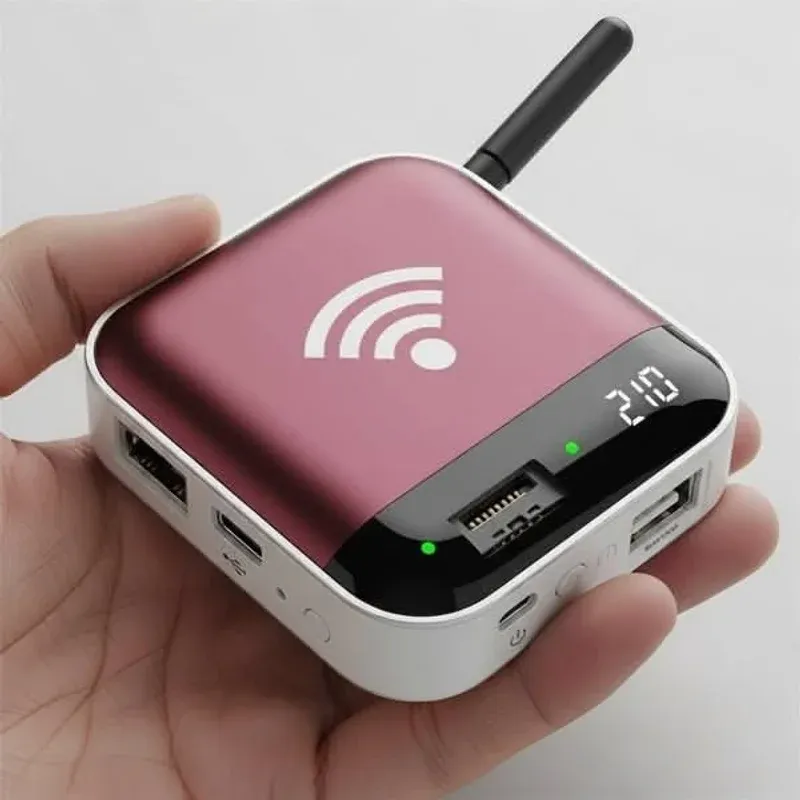
The LED display on the photo’s unit is a rarity at this size: it shows time or status codes during headless server duty, which is a genuinely useful feature when the PC lives behind a TV or in a closet.
The Ports: Small Body, Full House
Three USB-A ports, USB-C, HDMI, microSD, and audio in a palm-sized body covers every everyday peripheral. The USB-C port on most units carries power only; display output over USB-C is the exception, not the rule, so check before planning a two-monitor setup.
🏷 Mini PC accessories VESA Mounts & Hubs →
VESA mounts are the hidden upgrade
 : most palm PCs bolt to the back of a monitor, disappearing behind the screen entirely and turning any display into an all-in-one.
The Honest Limits
Gaming: integrated graphics run esports titles and emulators, nothing modern at high settings. Sustained loads: the passive cooling in the smallest units throttles under continuous render work. Licensing: budget listings sometimes ship gray-market Windows keys. And upgrades: RAM is usually soldered, so buy the configuration you need on day one.
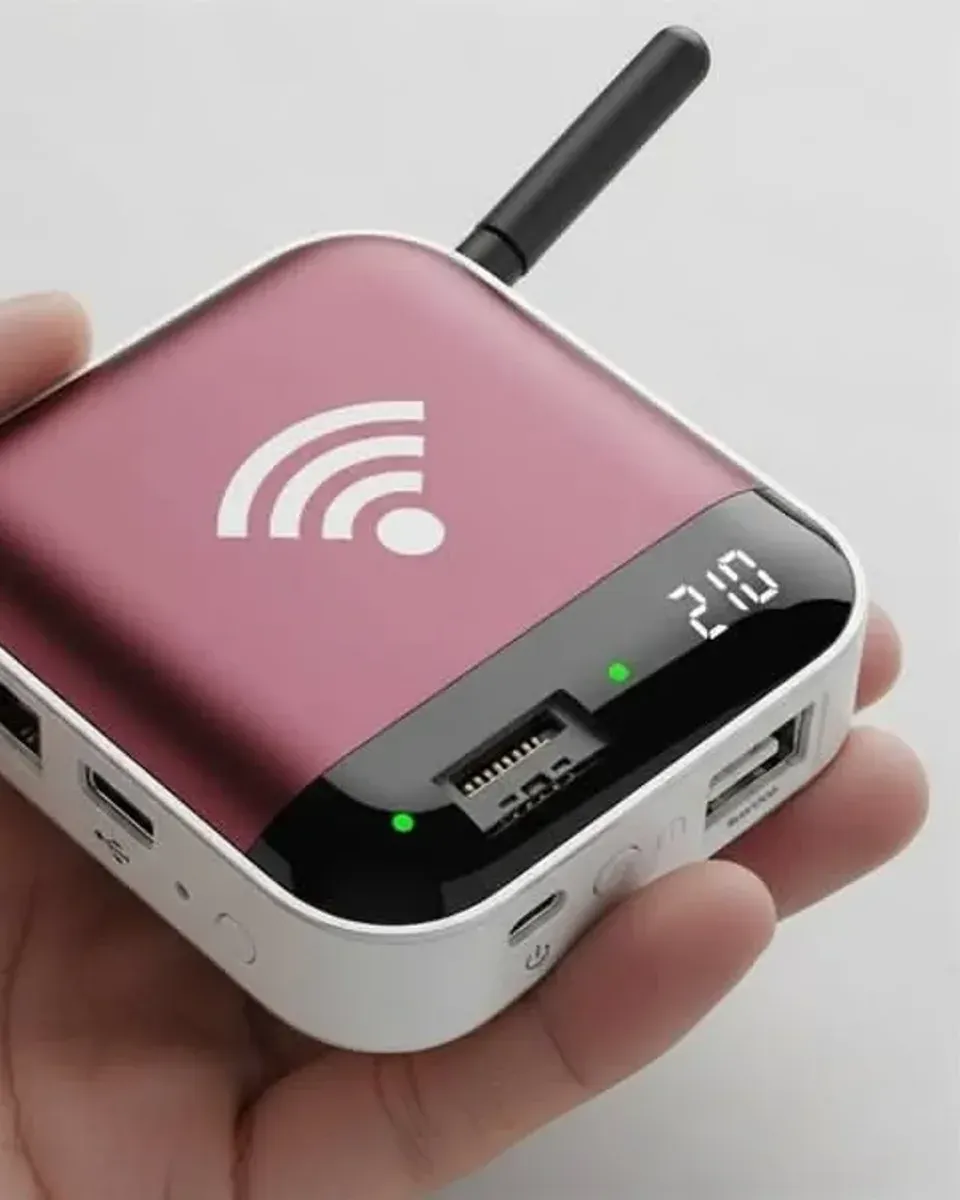
Who should buy a palm mini PC?
Home server builders: Plex, Home Assistant, network-wide ad blocking, and file sync are the class’s best use, and the 6-watt draw runs 24/7 for pennies.
Travelers who want a real computer at the hotel TV: HDMI into any screen, keyboard over Bluetooth, and the whole office in a pocket.
Second-computer buyers who need a machine for the kitchen, the workshop, or the kids’ homework that costs less than a phone.
Verdict
✅ Pros:
- Real Windows or Linux computing in a palm-sized shell
- N100 chips handle office, 4K playback, and server duty
- 6 to 15 watt draw runs silent and cheap 24/7
- External WiFi antenna beats internal at this size
- microSD expansion plus full port house
- VESA mountable behind any monitor
❌ Cons:
- Sustained heavy loads throttle earlier than larger chassis
- RAM usually soldered, no upgrades after purchase
- USB-C is often power-only, no display output
- Budget listings ship gray-market Windows licenses
- Integrated graphics limit gaming to esports titles
- Passive units run warm under continuous load
🏷 Compare mini PCs Top Mini PC Brands →
🇩🇪 This article is also available in Deutsch:
Read in Deutsch →
FAQ
What can a palm-sized mini PC run?
Office work, 4K video playback, light photo editing, home server tasks, and retro gaming. Modern N100-class chips handle everyday computing; anything beyond light gaming needs a larger mini PC.
How do palm mini PCs stay cool?
Passive cooling through the aluminum body, or a small fan with vents. Palm-sized designs limit both, so sustained heavy loads throttle earlier than in larger mini PCs.
Do they include Windows?
Most ship with Windows 11 Pro pre-installed, some with Linux. Licenses for budget models are sometimes gray-market; check the listing if licensing matters to you.
What are the ports on a palm mini PC?
Typically two or three USB-A ports, USB-C with power delivery or display output, HDMI, microSD, and a 3.5mm jack. Models with an antenna add WiFi 5 or 6 with better range than internal antennas.
How much do palm mini PCs cost?
Budget N100-class units run 120 to 200 dollars. Faster N305 and Ryzen-based palm PCs run 250 to 450 dollars. The smallest form factors carry a premium over mini PCs the size of a book.

Continue reading
Pocket Linux Computers: Cyberdecks, Handhelds, and the Keyboard That Fits a Jacket
Pocket Linux computer guide: 3D-printed cyberdecks, open-source handhelds like the Pocket Reform, ready-made GPD devices, and Raspberry Pi palmtop builds. What each class does and what they cost.

White Desk Setup for Creatives: Keyboard, Headphones, and a Camera in the Sun
White desk setup guide for creative work: custom mechanical keyboard with artisan keycaps, over-ear headphones, a compact camera within reach, and the discipline of an empty white surface.
Black Desk Setup: 7 Upgrades That Finish a Battlestation
Black desk setup guide: monitor light bar, riser shelf, grey desk mat, 75 percent mechanical keyboard, studio speakers, and a flip-clock tablet. The hardware layer that finishes a dark battlestation.