White Desk Setup for Creatives: Keyboard, Headphones, and a Camera in the Sun
White desk setup guide for creative work: custom mechanical keyboard with artisan keycaps, over-ear headphones, a compact camera within reach, and the discipline of an empty white surface.
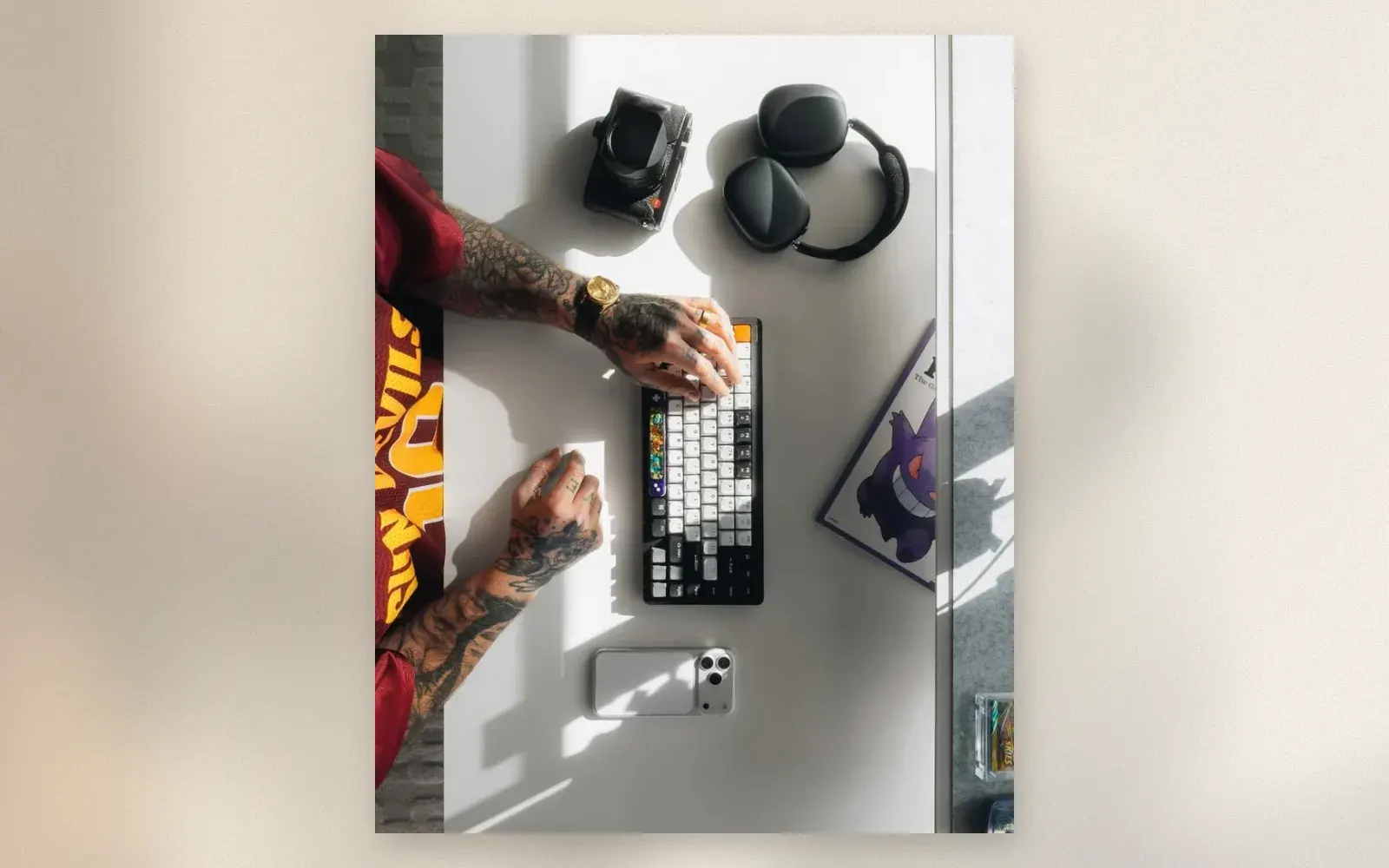
A white desk is a commitment. Every object on it is visible, every cable is a crime, and every coffee ring is permanent evidence. The setup in the photo shows the reward: a custom mechanical keyboard with artisan keycaps catching the sun, over-ear headphones resting beside a compact camera, a phone on its dock, and an empty surface doing exactly what a white surface does best, making everything on it look intentional.
🏷 White setup essentials Custom Keyboards → · Artisan Keycaps →
The Keyboard: The Custom Build
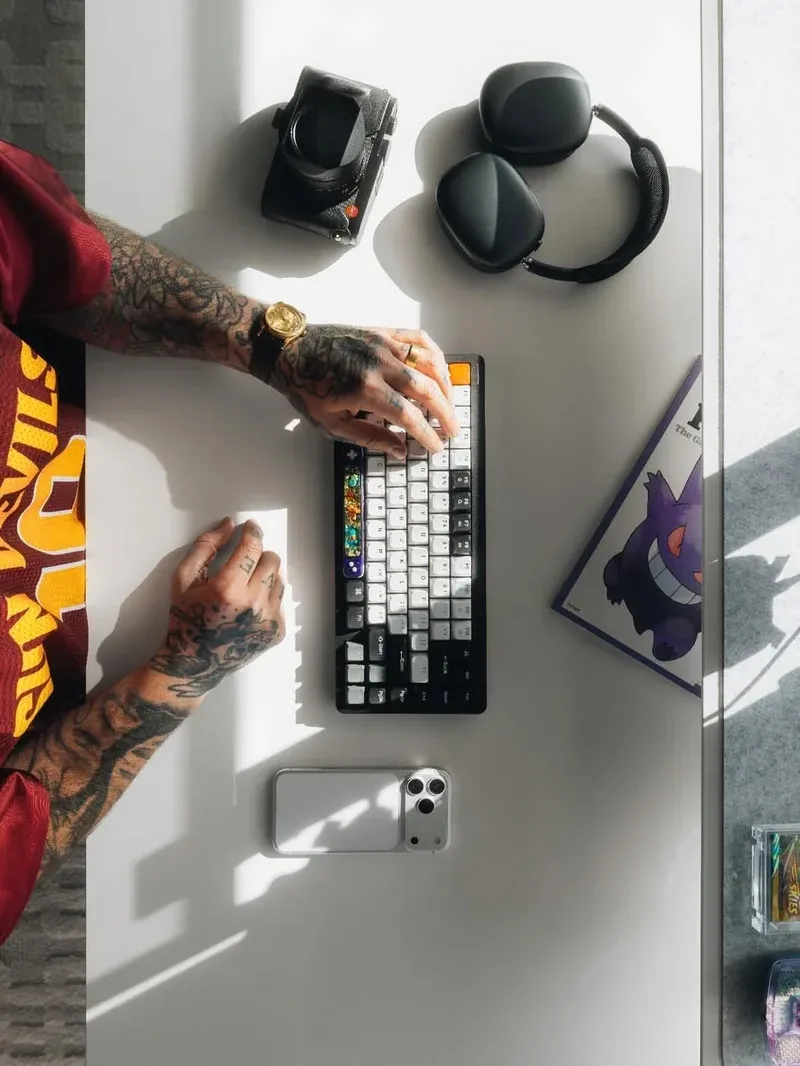
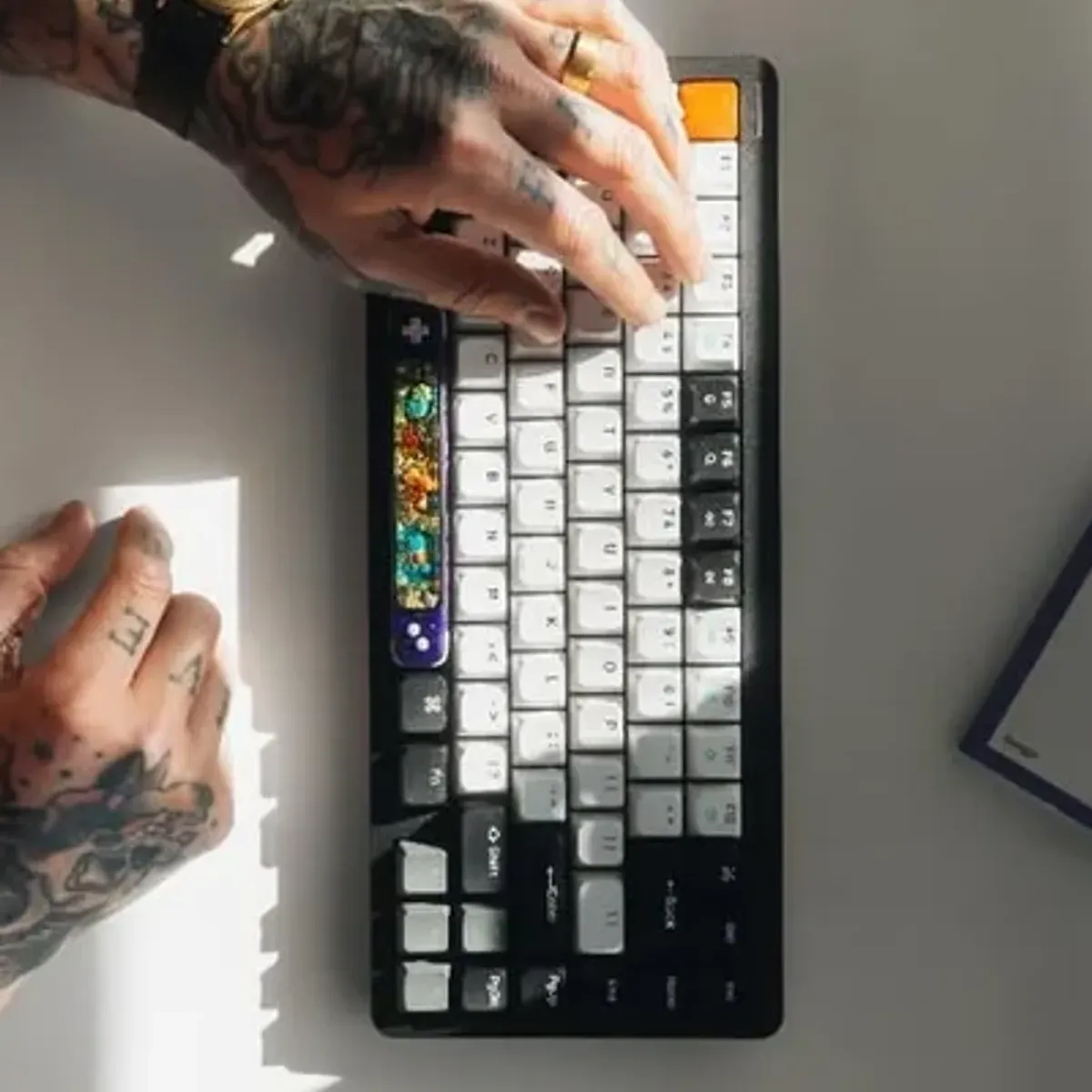
The keyboard in the photo is a custom mechanical build: 75 percent layout, black case against white and grey keycaps, one orange escape key, and a resin artisan piece in the middle rows. Custom builds differ from off-the-shelf boards in sound and feel: gasket-mounted plates, lubricated switches, and foam layers produce a deep thock instead of a rattle.
The build path is modular: barebones kit, switches of choice, keycap set, and two or three artisan pieces as the signature. The artisan keycaps are the personality layer; the orange escape key is the classic accent that costs five dollars and defines the board.
The Headphones: Over-Ear, Desk-Permanent
The over-ear headphones beside the keyboard live on the desk, not in a pocket. For creative work, long sessions with music or reference audio, over-ear beats every in-ear: no ear fatigue after three hours, a wider stage for mixing and listening, and the visible signal to a household that work is happening.
🏷 Over-ear headphones Over-Ear Headphones →
Wired or wireless is a workflow question. Wireless clears the desk of one cable; a wired pair removes battery anxiety mid-project. The desk in the photo runs wireless, which matches its cable-free aesthetic.
The Camera: Within Arm’s Reach
The compact camera at the top of the desk is not decoration. A camera within arm’s reach gets used between tasks: the light through the window, the desk itself, the details of the day. Premium compacts, the Contax T-class in the photo’s spirit, also age into desk objects, which is why film compacts sit on so many creative desks.
🏷 Compact cameras Compact Cameras →
The habit matters more than the model: any camera that lives on the desk documents the workspace and the days spent in it, and the photos become the archive of the work.
The Surface: Empty Is the Design
The white surface in the photo carries five objects, and the discipline is the design. Cables run under the desk or through a grommet, papers live in a drawer, and the phone sits on a dock at the edge rather than the middle. White surfaces amplify clutter; the setup works because the clutter never lands.
Who should build a white desk?
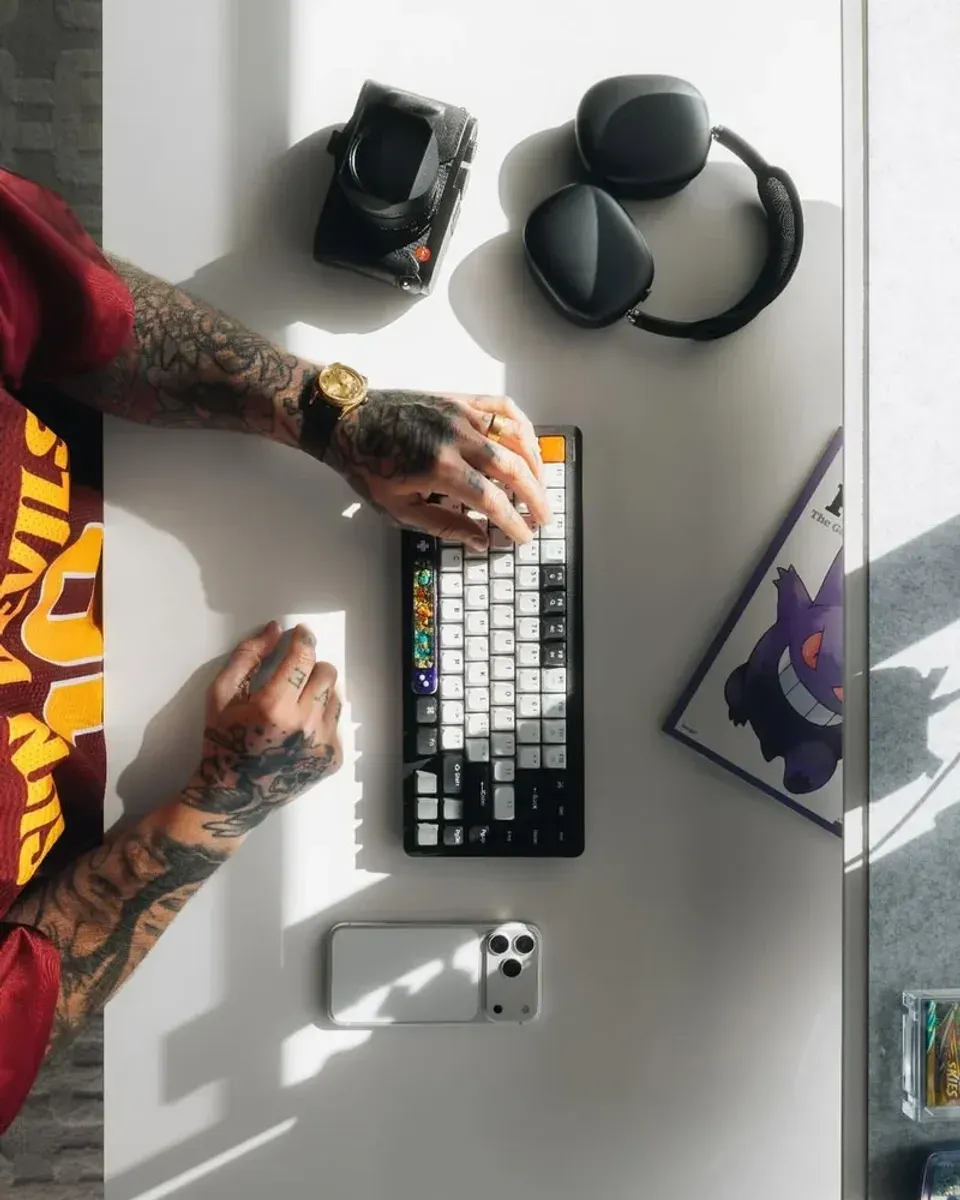
Creators who film their workspace: white desks bounce light onto the subject and read clean in every frame. The flat lay itself, keyboard, headphones, camera in hard sunlight, is the genre this setup exists to produce.
Writers and developers who stare at a screen for hours and want the peripheral vision calm of a light surface. White desks reduce the cave feeling that dark setups embrace.
Anyone whose current desk hides its own gear. If the point of upgrading is to see and enjoy the hardware, white is the honest choice.
Verdict
✅ Pros:
- White surface doubles as reflector and displays every object
- Custom keyboard build adds sound, feel, and personality
- Artisan keycaps deliver signature for five dollars
- Over-ear headphones survive long creative sessions
- Desk camera documents the work and the days
- Empty-surface discipline transfers to the whole workspace
❌ Cons:
- White shows every stain, scuff, and crumb immediately
- Custom keyboard builds cost more than premium prebuilt boards
- Over-ear headphones heat up in summer
- Sunlight on white surfaces creates harsh contrast in photos
- Compact cameras with this pedigree hold resale value but cost real money
- Cable-free aesthetic demands constant cable vigilance
🏷 Complete the setup Phone Docks →
🇩🇪 This article is also available in Deutsch:
Read in Deutsch →
FAQ
Why choose a white desk for creative work?
A white surface doubles as a reflector, fills the frame with light in photos and videos of the workspace, and makes every object on it visible. Dark desks hide gear; white desks display it, which suits creators who film their workspace.
What are artisan keycaps?
Handmade or small-batch keycaps cast in resin, metal, or wood, placed on one or two keys as accents. The orange escape key and resin art key in the photo are the classic pattern: one accent on Escape, one art piece in the middle rows.
Do over-ear headphones work for desk work?
Yes, and they beat earbuds for long sessions: no ear fatigue, better soundstage for music, and a visual signal to household members that you are working. The tradeoff is heat in summer and less portability.
Why keep a camera on the desk?
A compact camera within arm's reach gets used between tasks, documents the workspace itself, and stays charged and ready in a way a camera in a drawer never is. Premium compacts also double as desk objects.
Does a white desk show stains?
Yes, mercilessly. Coffee, ink, and scuffs show immediately. The counter-habit is a desk mat during messy work and a microfiber cloth in the drawer, both of which take thirty seconds a week.

Continue reading
Black Desk Setup: 7 Upgrades That Finish a Battlestation
Black desk setup guide: monitor light bar, riser shelf, grey desk mat, 75 percent mechanical keyboard, studio speakers, and a flip-clock tablet. The hardware layer that finishes a dark battlestation.
Lunchbox PC: How to Build a Desktop Inside a Toolbox Case
Lunchbox PC build guide: mounting a mini-ITX motherboard, PSU, and drives inside a plastic toolbox case. Component choices, grounding and ventilation rules, and the mistakes that kill lunchbox builds.
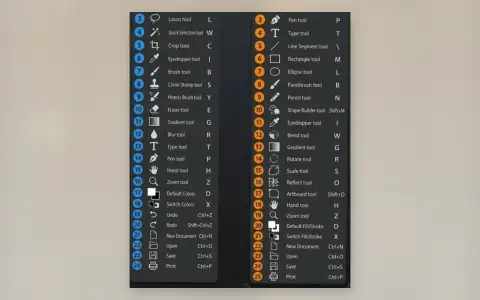
Photoshop vs Illustrator: Essential Keyboard Shortcuts Side by Side
Photoshop CC vs Illustrator keyboard shortcuts cheat sheet: 24 essential tools with their shortcuts compared. Move, Select, Pen, Type, Brush, Gradient, and more — the shortcuts every designer needs.