Pocket Linux Computers: Cyberdecks, Handhelds, and the Keyboard That Fits a Jacket
Pocket Linux computer guide: 3D-printed cyberdecks, open-source handhelds like the Pocket Reform, ready-made GPD devices, and Raspberry Pi palmtop builds. What each class does and what they cost.
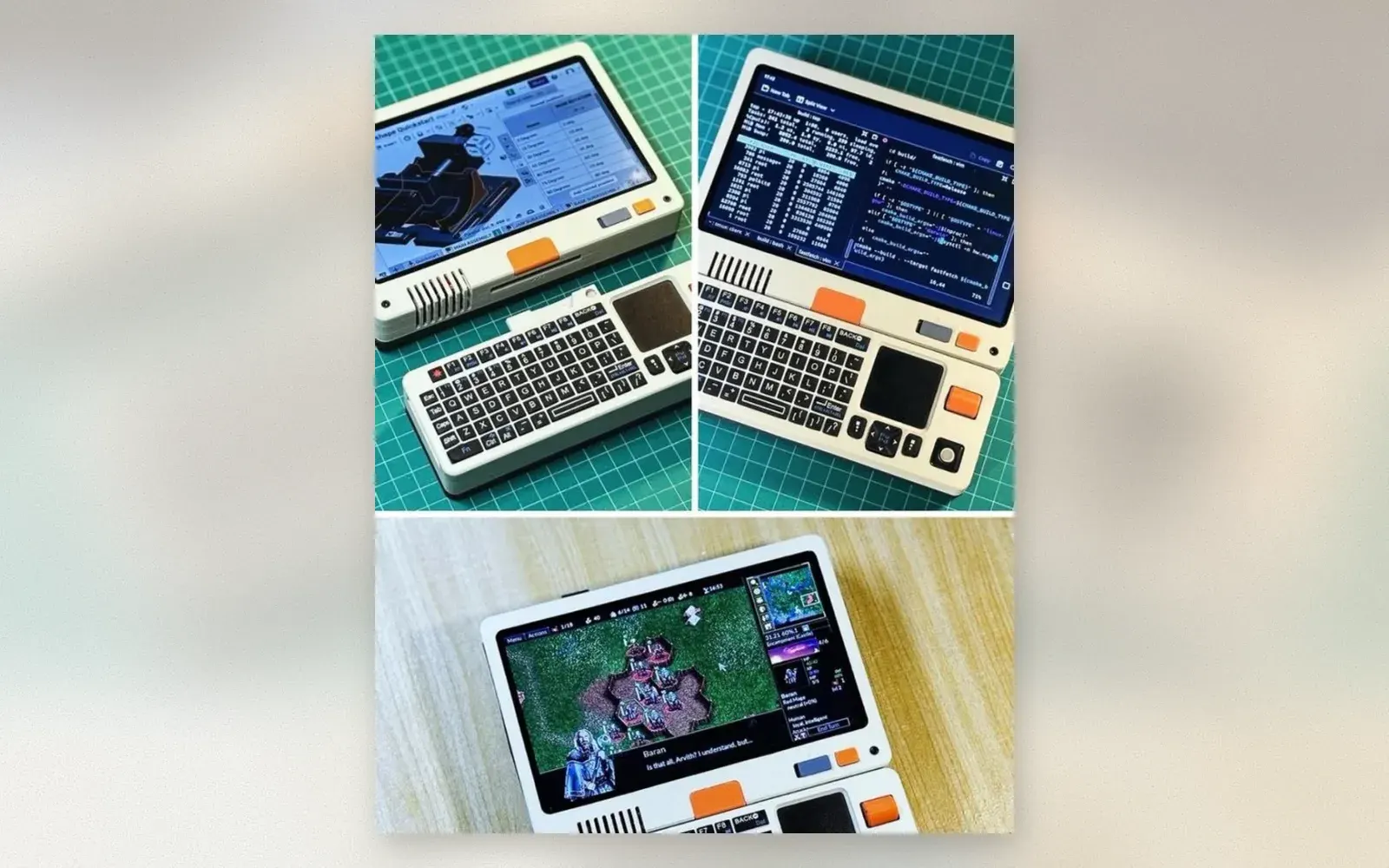
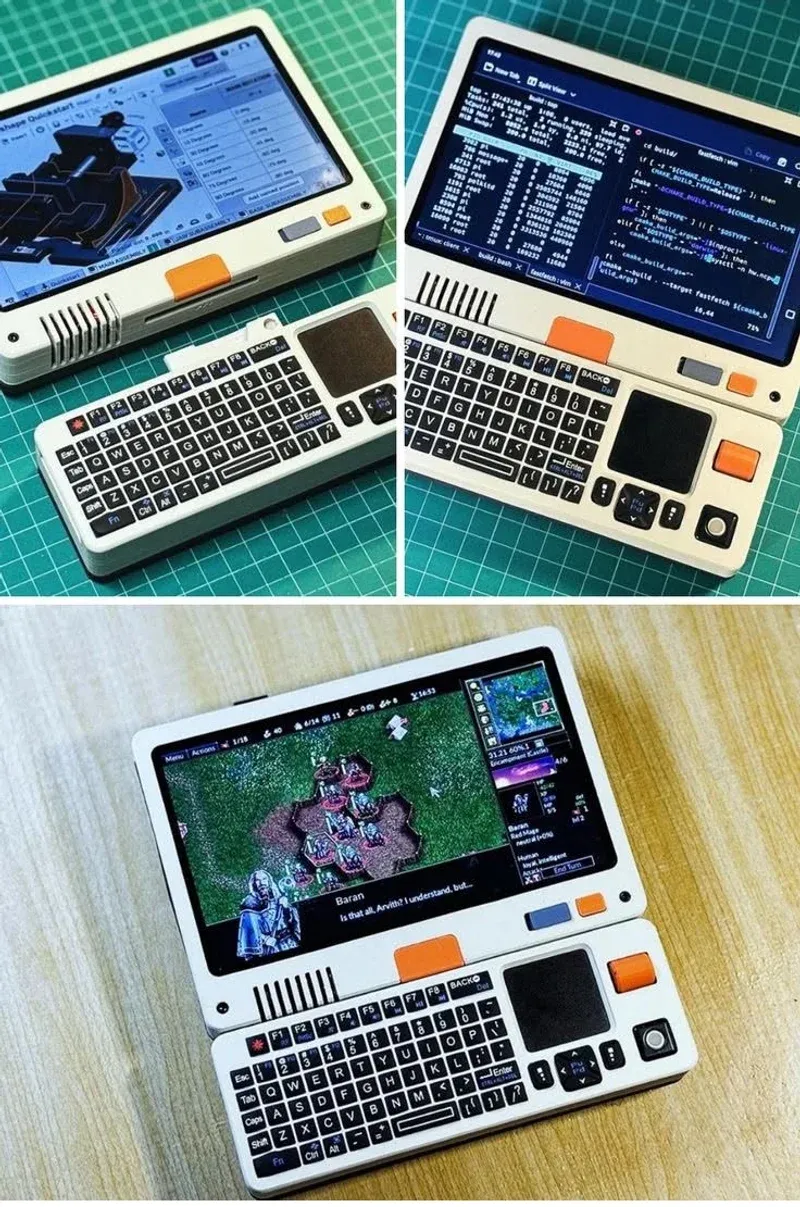
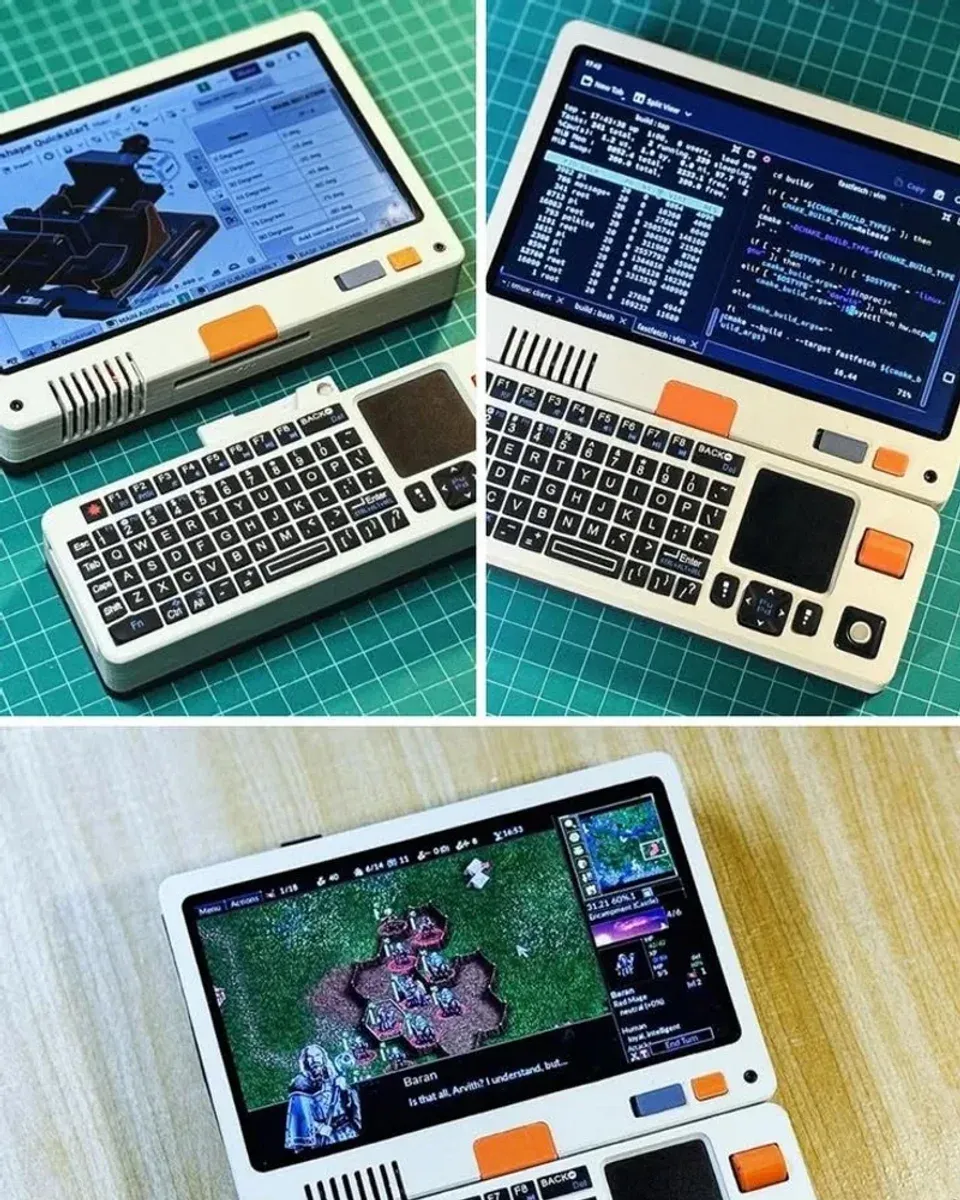
The computer in the photo is a real Linux machine: cream 3D-printed shell, touchscreen, mechanical keyboard with a trackpad, orange accents, and Baldur’s Gate running on the display. It is not a product you can add to a cart. It is a cyberdeck-class handheld, from the community that builds pocket computers the way others build mechanical keyboards: for the joy of the object. This guide maps the category, from DIY deck to bought handheld, and what each class actually does.
🏷 Pocket computing parts Raspberry Pi Kits → · Mini Keyboards →
The Classes: Build, Kit, Buy
DIY cyberdecks are the foundation of the category. A Raspberry Pi or Zero 2 W, a display, a keyboard-touchpad combo, a battery, and a 3D-printed shell: parts cost 100 to 300 dollars, and every deck is unique because every shell is someone’s design. The build teaches display wiring, power management, and Linux configuration in one project.
Kit-class devices occupy the middle: open-source hardware with published design files, sold assembled or as parts. The MNT Pocket Reform is the flagship: mainline Linux, mechanical keyboard, trackball option, and a community that prints its own cases. The photo’s build is this class, whether printed from published files or one of the community variants.
Buy-class handhelds are the practical end: GPD’s Pocket and MicroPC lines ship as finished x86 Linux or Windows machines with real keyboards, screens, and batteries. They cost more than a deck and require zero soldering.
What They Actually Do
The honest answer first: these are passion computers. Modern web browsing on a 7-inch ARM screen is survivable, not pleasant. Video calls strain the hardware. The daily-driver case belongs to laptops.
What they do brilliantly: writing in a terminal, SSH into real servers, coding in vim on a machine that fits a jacket pocket, retro gaming up to PS1 and DS emulation, and network tinkering with tools that fit in a case. The Baldur’s Gate session in the photo is the category’s sweet spot: classic games on classic-feeling hardware.
🏷 Retro gaming handhelds Linux Handhelds →
The Build Path: Raspberry Pi Palmtop
The entry build is a Raspberry Pi 4 or 5, the official 7-inch touchscreen, a wireless keyboard-touchpad combo, a UPS battery board, and a printed or purchased shell. Total: around 200 dollars. The software path is Raspberry Pi OS or a lightweight ARM distro, and the cyberdeck community publishes dozens of shell designs for free printing.
The intermediate path adds a custom PCB for the keyboard, a proper battery management board, and a designed shell. This is where decks become objects: brass accents, leather wraps, and screens behind tinted windows.
Who should build or buy one?
Writers and sysadmins who want a dedicated terminal machine that fits a jacket. The keyboard-class devices are real work tools for SSH and prose, and the battery outlasts any laptop.
Retro gamers who want their library in a keyboard device rather than a pure gaming handheld. The decks run emulators and native Linux ports with the charm of a machine you built.
Makers who have a 3D printer and a drawer of Pi boards. The cyberdeck is the project that turns loose parts into a daily object, and the community publishes enough shell designs that no two decks match.
Verdict
✅ Pros:
- Real Linux computing in a jacket-pocket form factor
- DIY decks run 100 to 300 dollars in parts
- Open-source hardware like Pocket Reform publishes every design file
- Retro gaming up to PS1 and DS emulation
- Mechanical keyboards and touchpads, not touchscreen-only input
- Community shells: dozens of free 3D-printable designs
❌ Cons:
- Modern web and video calls strain the hardware
- MNT Pocket Reform costs laptop money for pocket specs
- DIY builds need soldering, printing, and Linux fluency
- Battery life varies wildly with display and build quality
- No single Amazon listing: decks are community projects
- Passion device: the phone does more, the laptop does it better
🏷 More handheld computing GPD Handhelds →
🇩🇪 This article is also available in Deutsch:
Read in Deutsch →
FAQ
What is a cyberdeck?
A handheld computer built in the style of fictional portable terminals from cyberpunk fiction: a screen, a keyboard, a battery, and a custom 3D-printed or repurposed case. Most run Linux on a Raspberry Pi or similar single-board computer.
What is the MNT Pocket Reform?
An open-source hardware handheld laptop with a 7-inch touchscreen, mechanical keyboard, and trackball, running mainline Linux. The case is available in 3D-printable files, and the design files are fully published.
Can a pocket Linux computer play games?
Yes, within retro range. The build in the photo runs Baldur's Gate smoothly. Raspberry Pi-class devices handle anything up to PS1 and DS emulation; x86 handhelds like the GPD Pocket run full desktop games at low settings.
How much does a pocket Linux computer cost?
DIY cyberdecks run 100 to 300 dollars in parts. The MNT Pocket Reform costs around 700 to 1,100 dollars assembled. GPD handhelds run 500 to 900 dollars. A Raspberry Pi palmtop build starts near 150 dollars.
Is a pocket Linux computer practical?
For writing, SSH, coding, and retro games, yes. For modern web browsing and video calls, the small screens and ARM processors struggle. They are passion devices that do real work on their own terms.

Continue reading

White Desk Setup for Creatives: Keyboard, Headphones, and a Camera in the Sun
White desk setup guide for creative work: custom mechanical keyboard with artisan keycaps, over-ear headphones, a compact camera within reach, and the discipline of an empty white surface.
Black Desk Setup: 7 Upgrades That Finish a Battlestation
Black desk setup guide: monitor light bar, riser shelf, grey desk mat, 75 percent mechanical keyboard, studio speakers, and a flip-clock tablet. The hardware layer that finishes a dark battlestation.
Lunchbox PC: How to Build a Desktop Inside a Toolbox Case
Lunchbox PC build guide: mounting a mini-ITX motherboard, PSU, and drives inside a plastic toolbox case. Component choices, grounding and ventilation rules, and the mistakes that kill lunchbox builds.